

Features
Dashboard
Pick up your research or choose your next useful step.
Use the dashboard to resume a thesis, check your portfolio summary, or choose a setup action.
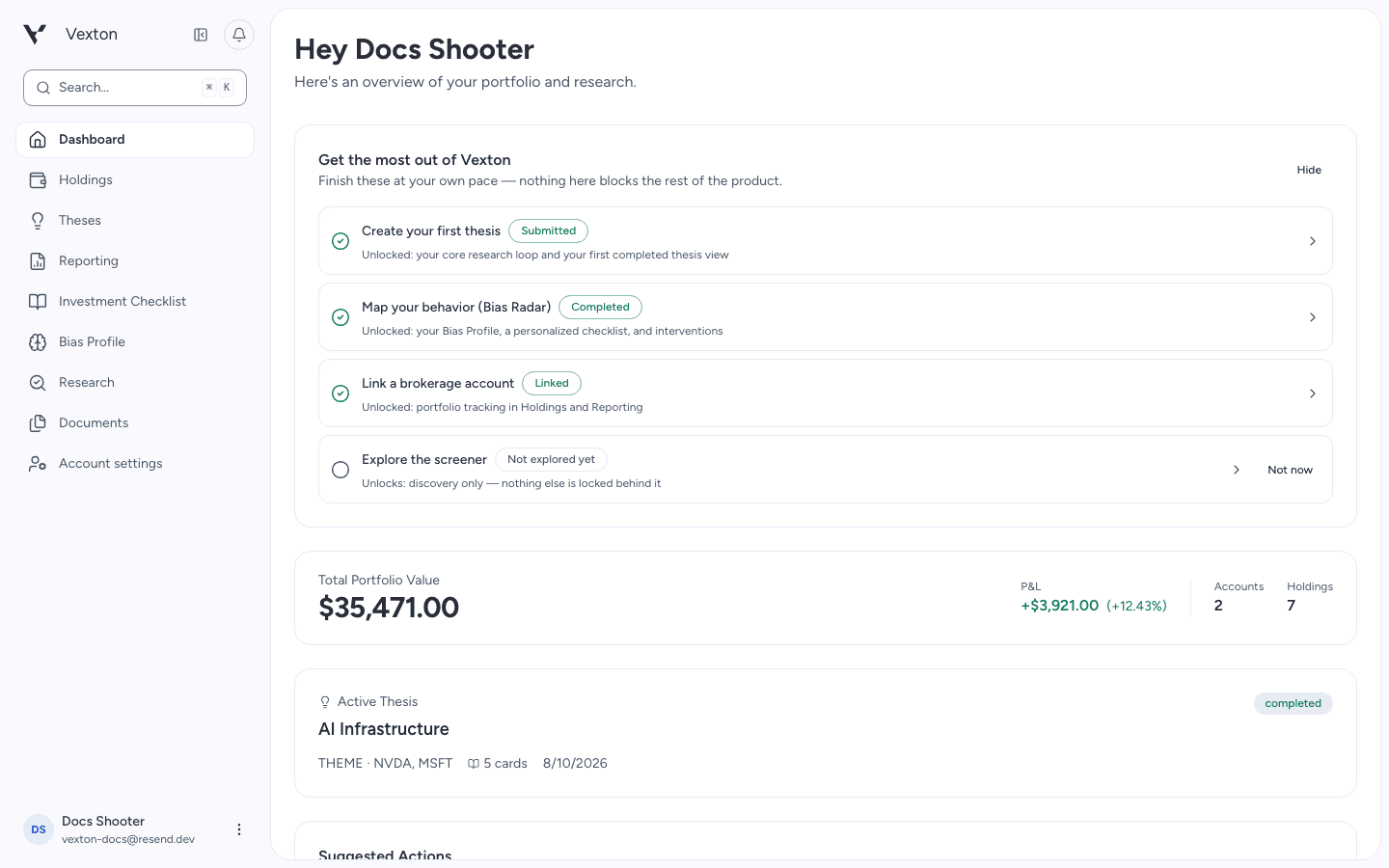
Choose a setup action or open an active thesis. Example account shown. View full size
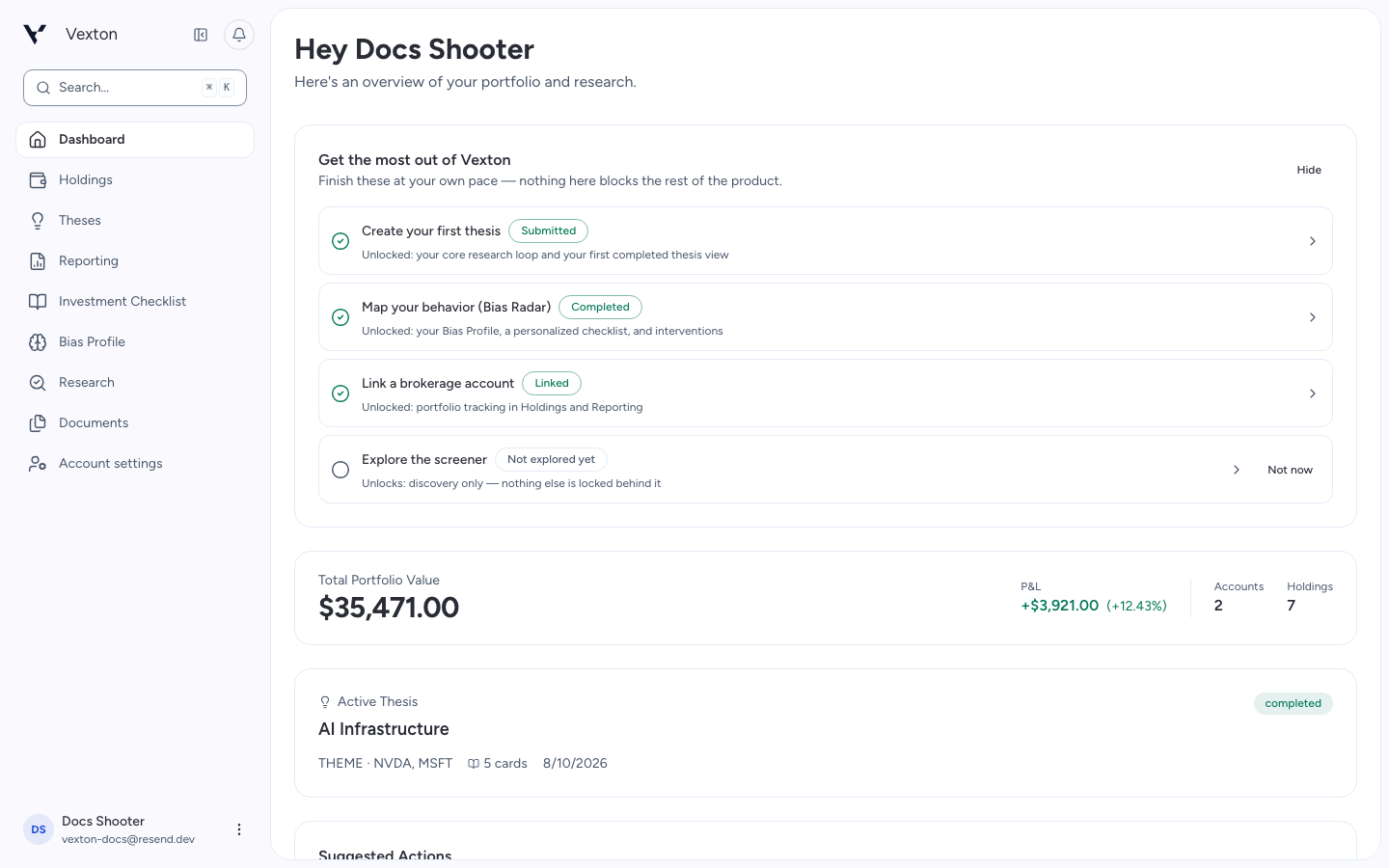
Follow the illustrated walkthrough
New accounts see an activation checklist. Building your first thesis is the main starting point; connecting holdings and completing Bias Radar add context when you need it.
- Review a holding: open Holdings from the portfolio summary.
- Resume research: open your active thesis.
- Find a company: use the search control or ⌘K / Ctrl+K.
A portfolio summary needs connected holdings. Its absence does not prevent you from researching an investment idea.