

Find your next step
Use the dashboard and search to resume work quickly.
1. Resume work
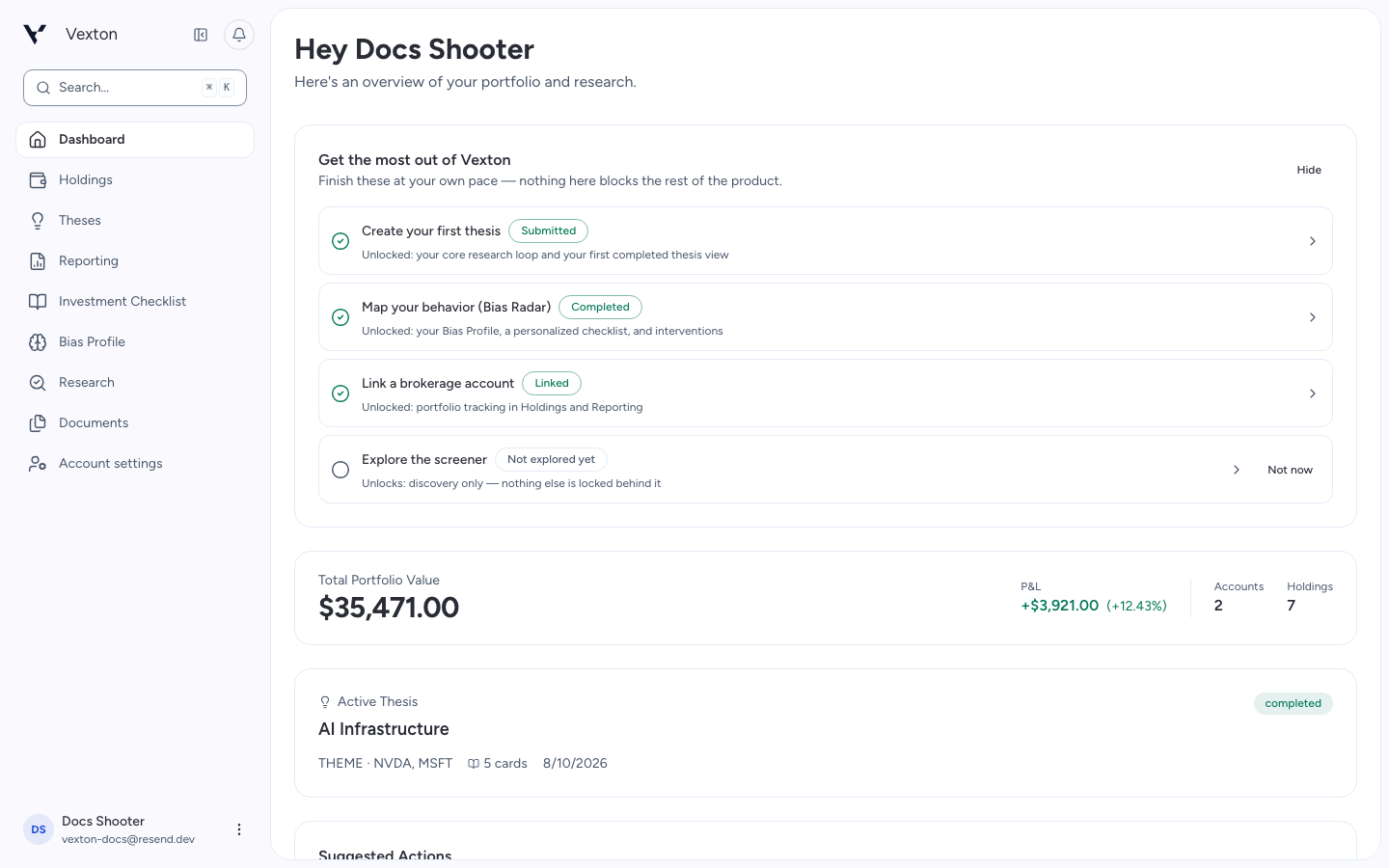
Select Dashboard in the main navigation after signing in. On a narrow screen, open the navigation menu first. Choose an active thesis to continue reading, or use the setup checklist to start something new.
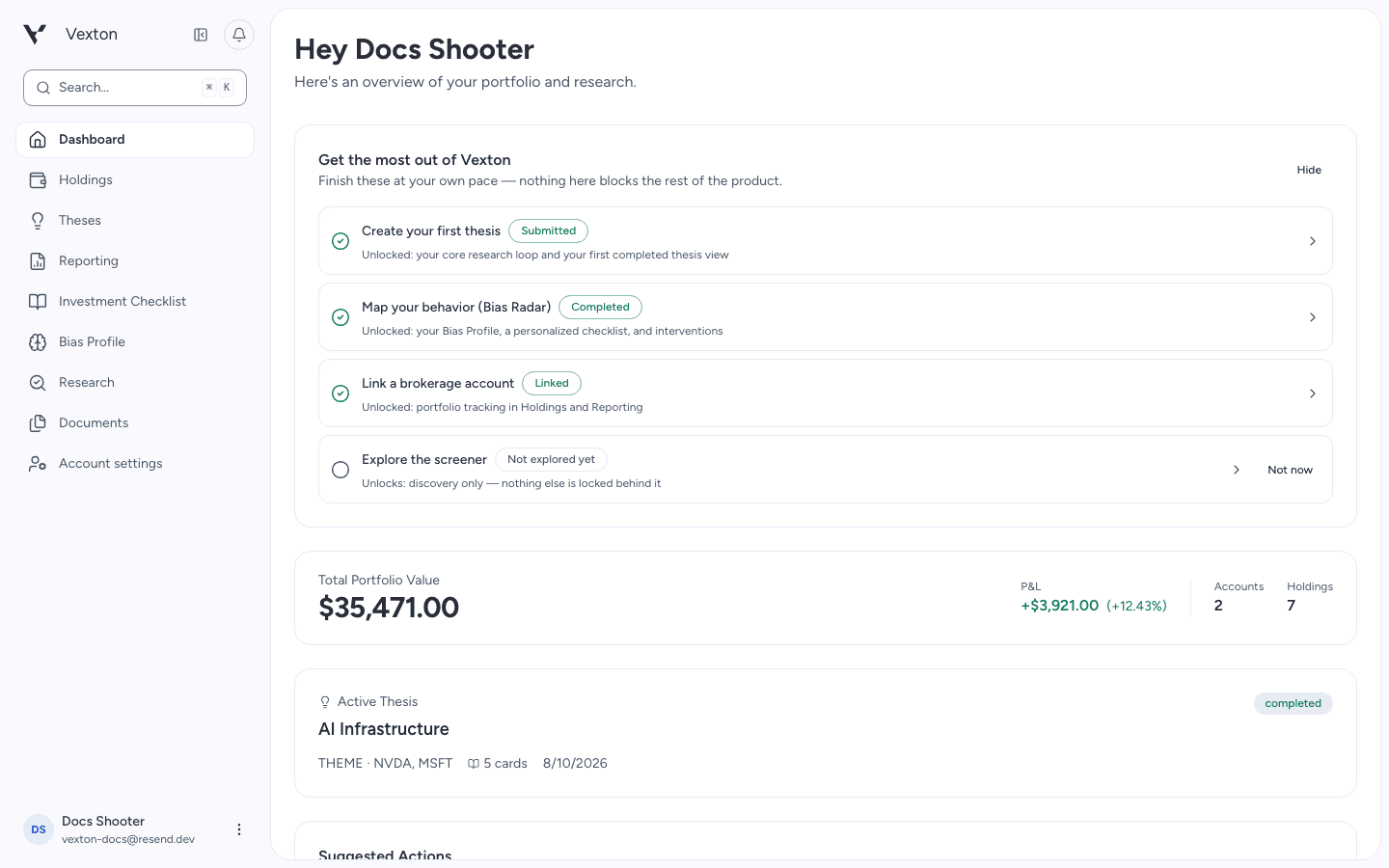
Choose an action in the setup checklist or click an active thesis to resume. View full size
For portfolio questions, open Holdings. For a new investment question, open Research or Theses.
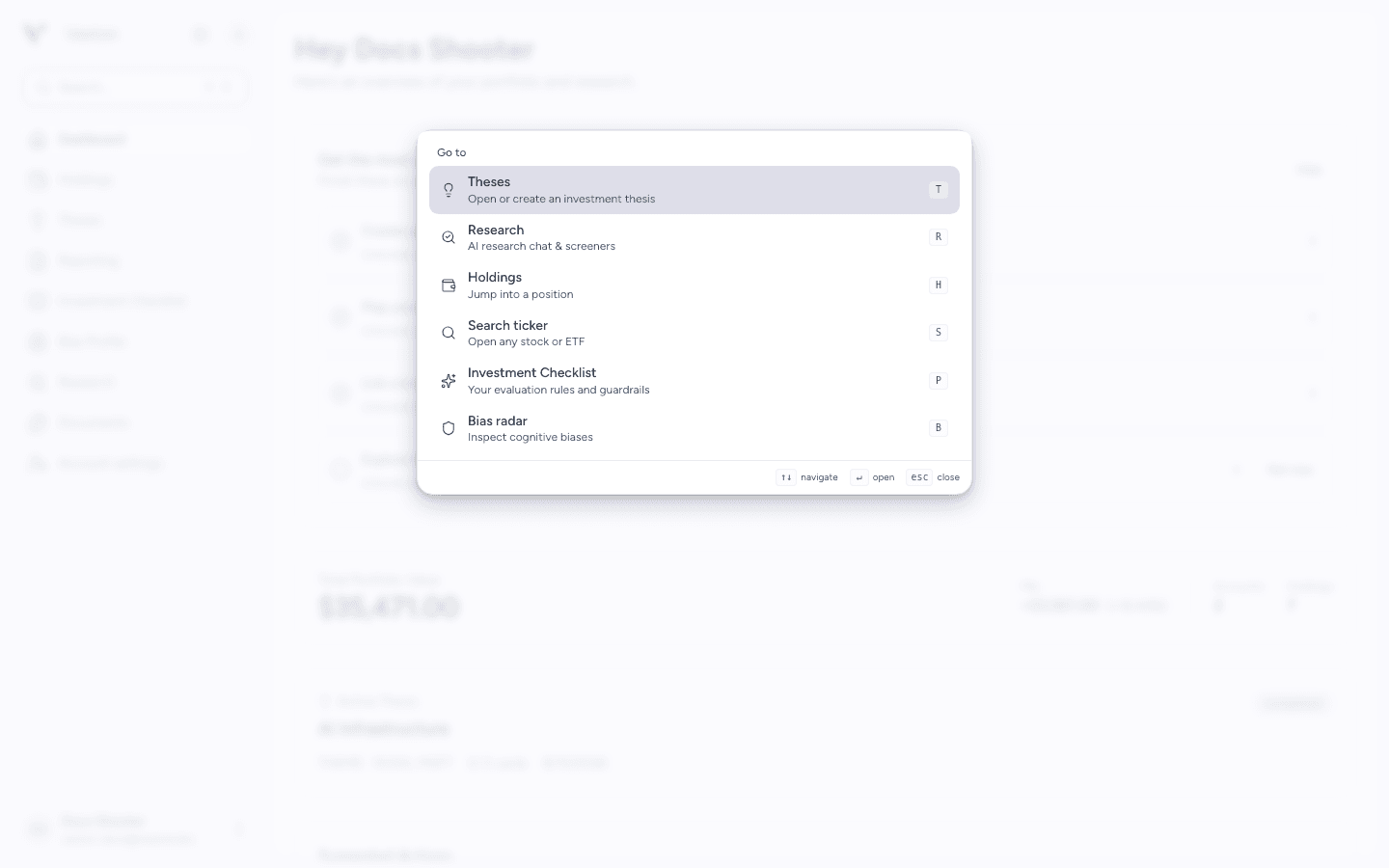
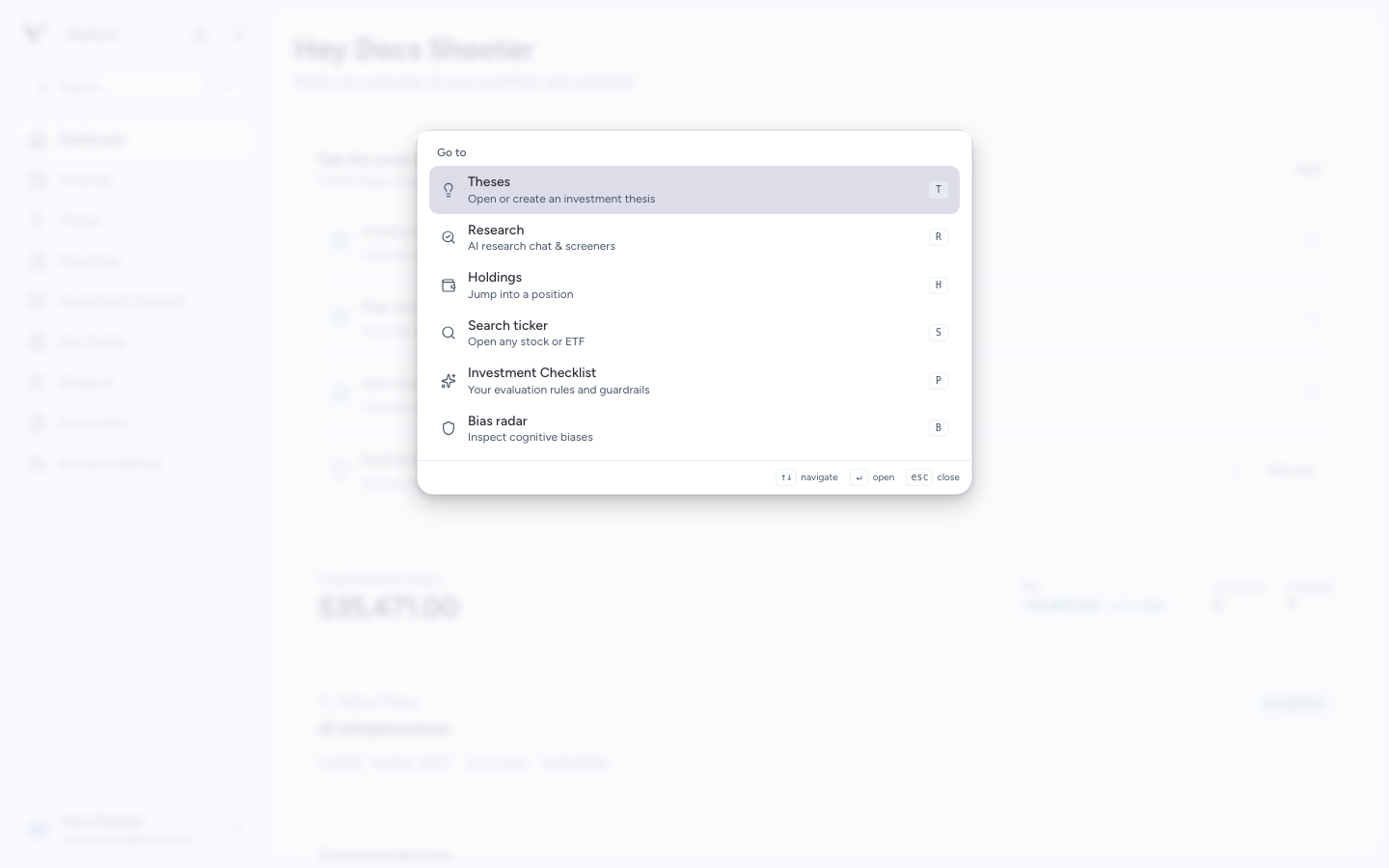
Use a scope to narrow your search. View full size
2. Search from anywhere
Press ⌘K on macOS or Ctrl+K on Windows/Linux. Choose a scope, then type to search.
| Scope | Shortcut in the open menu | Use it to… |
|---|---|---|
| Theses | T | Find an investment case |
| Research | R | Continue an investment question |
| Holdings | H | Find a position you own |
| Search ticker | S | Look up a company or fund |
| Investment Checklist | P | Review your research criteria |
| Bias Radar | B | Open your behavioral profile |
3. Open a result
Select Search ticker, type a name or ticker, then click the matching result or use the arrow keys and Enter. Confirm the exchange when similar listings appear.
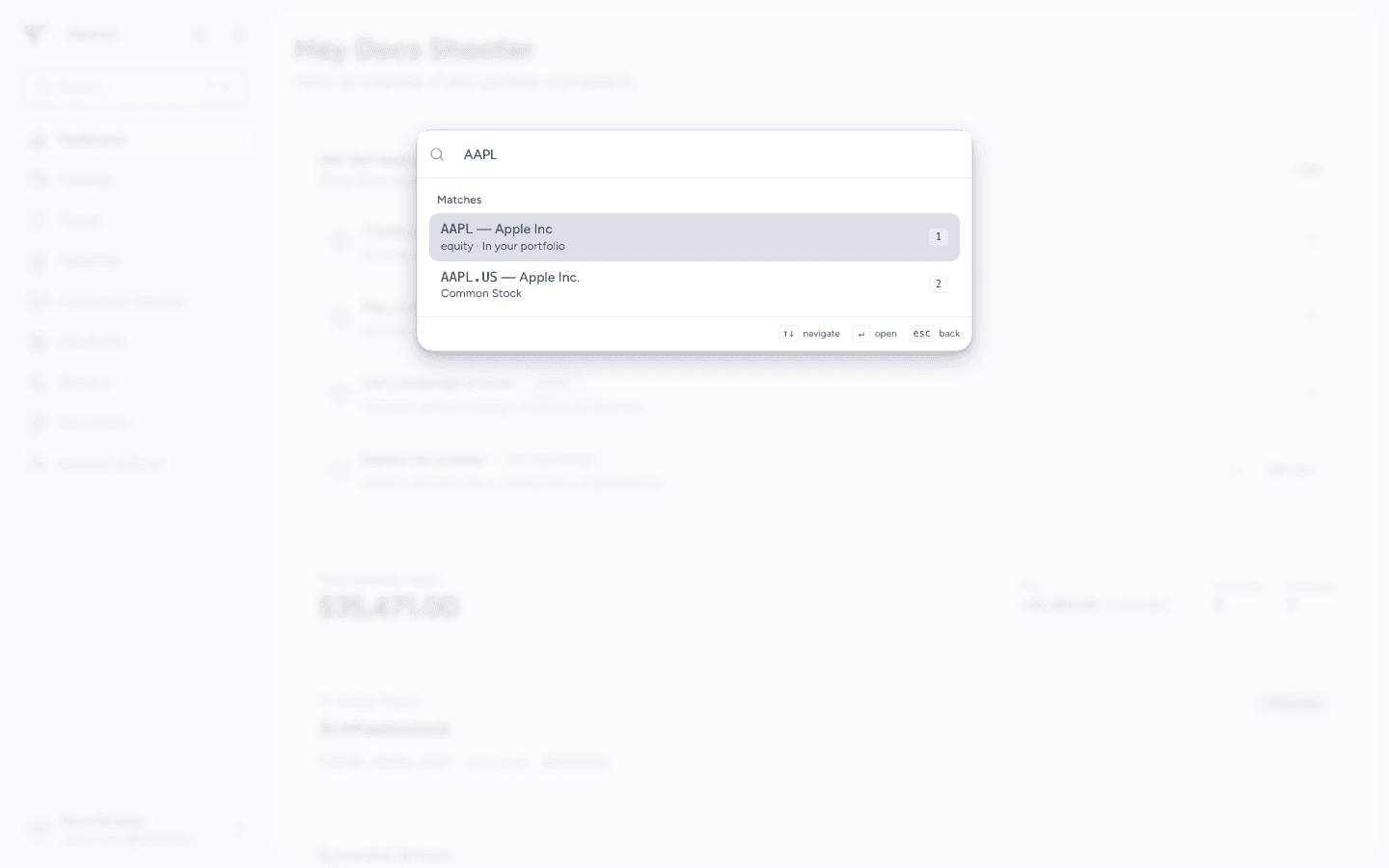
Choose the matching ticker row. You can research a market listing even when it is not in your portfolio. View full size
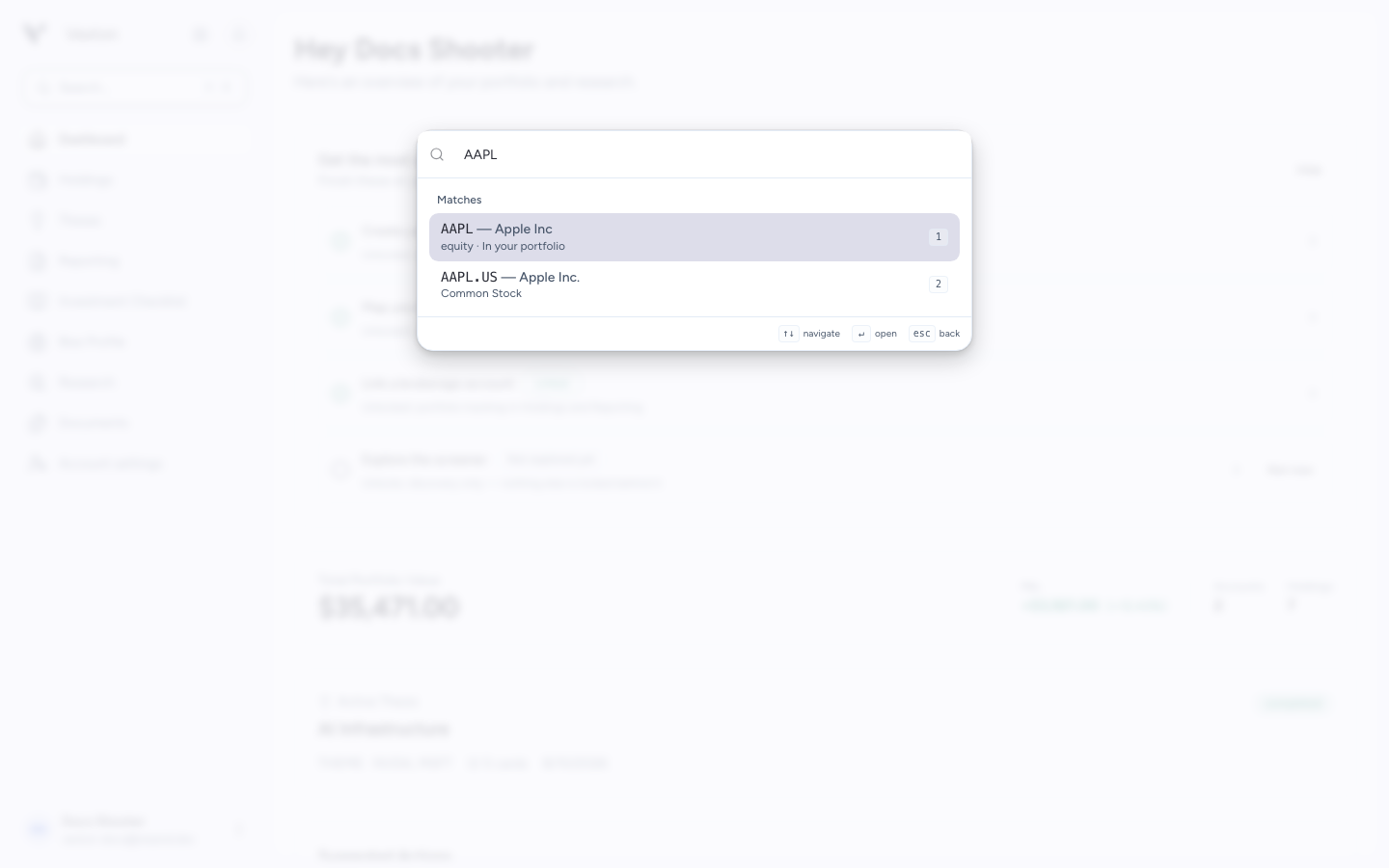
Press Escape to go back within the menu, then again to close it.