

Features
Connect your portfolio
Bring your accounts into Holdings for portfolio review and reporting.
Connect a brokerage when you want to review your positions, portfolio history, and reports together.
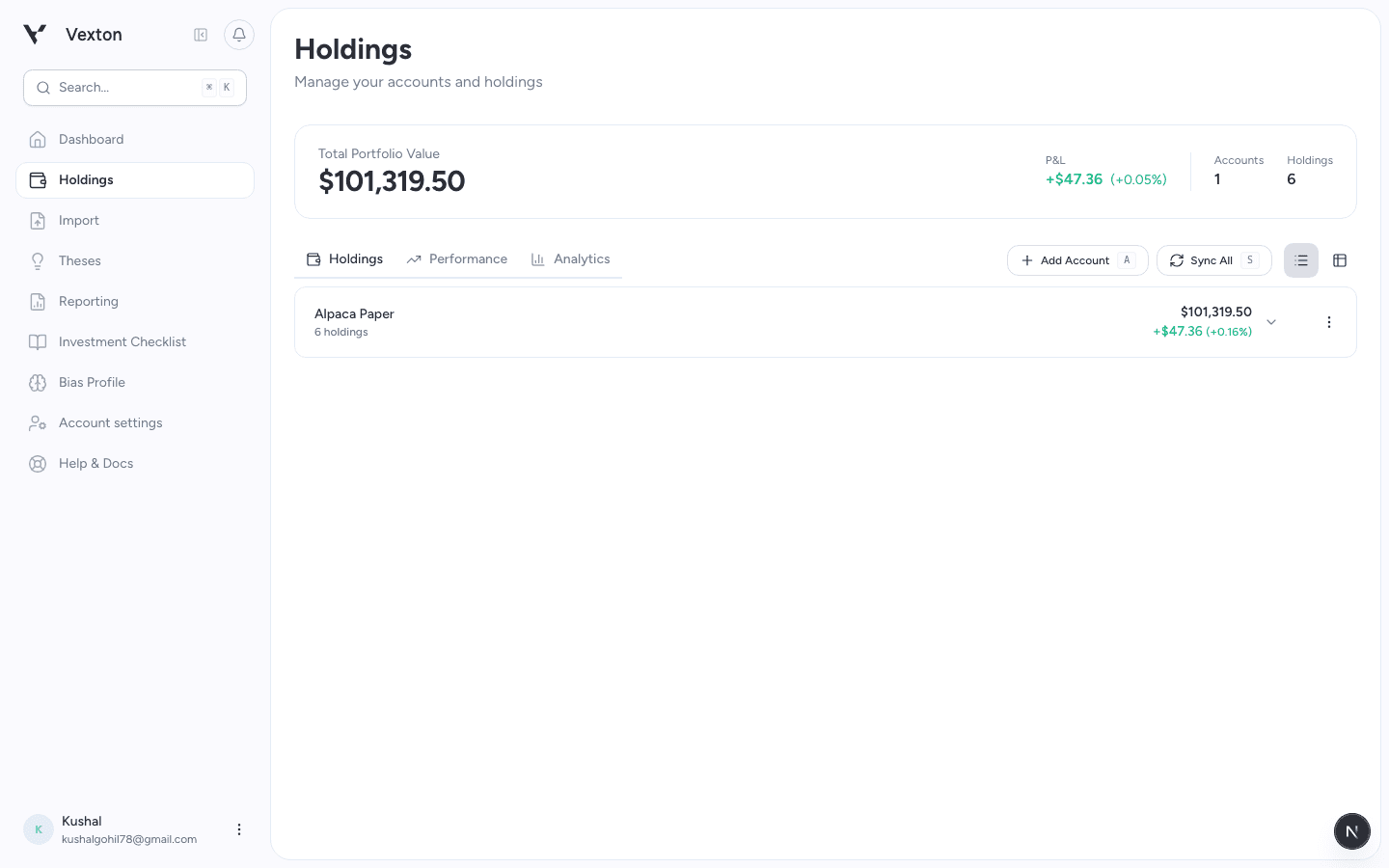
Select Add Account above your positions. The connection steps open in a drawer. View full size
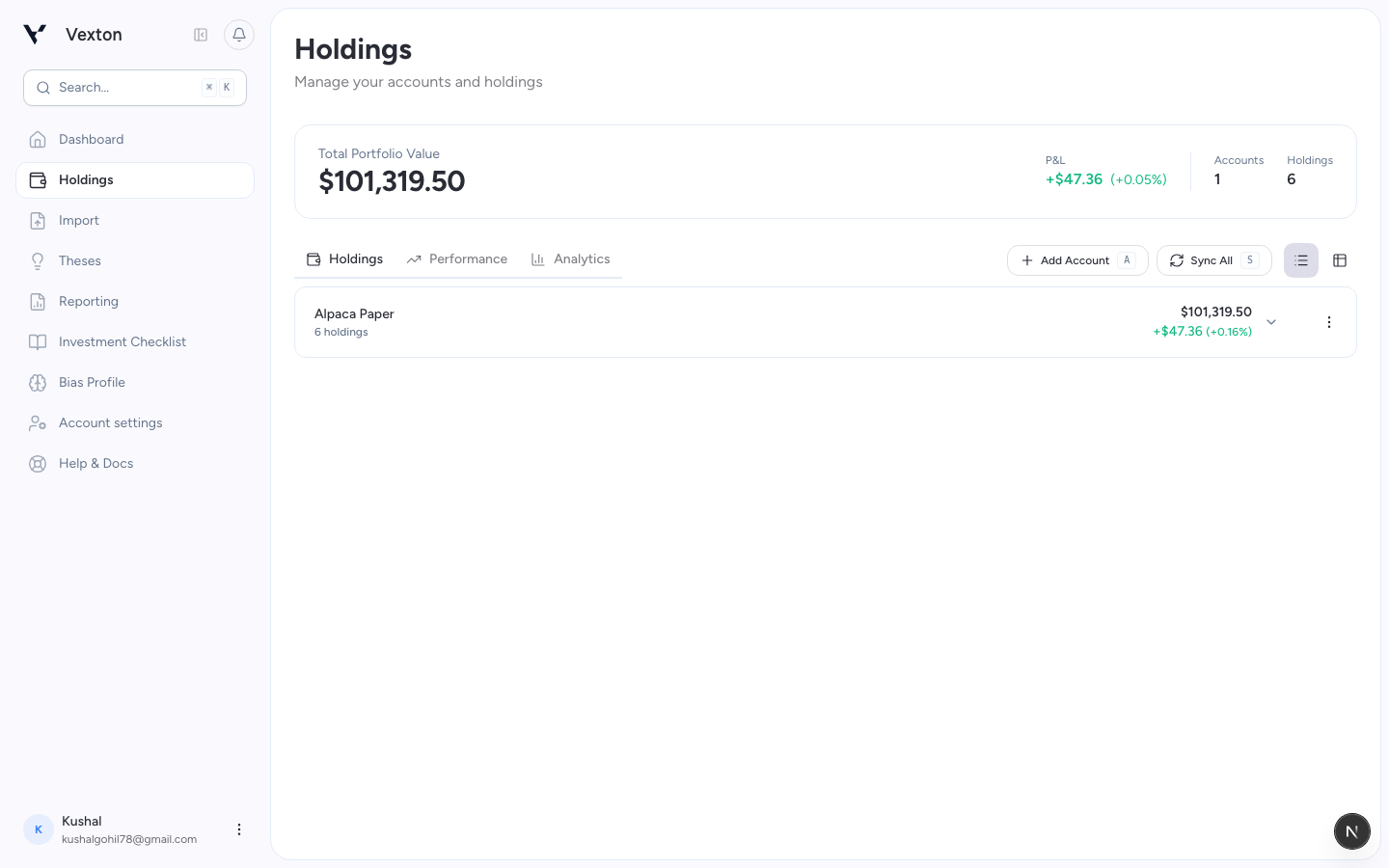
Follow the illustrated walkthrough
Open Holdings → Add Account. The connection flow opens in a drawer and uses SnapTrade. After authorization, Vexton syncs the available accounts and positions in the background.
You can build a thesis or ask research questions before connecting an account.
Availability: brokerage connection is the current import option. File upload is not enabled in the customer flow. If your institution is missing from the connection list, contact support.