

Complete Bias Radar and read your profile
Use a fictional scenario to examine how you make decisions.
1. Start or resume
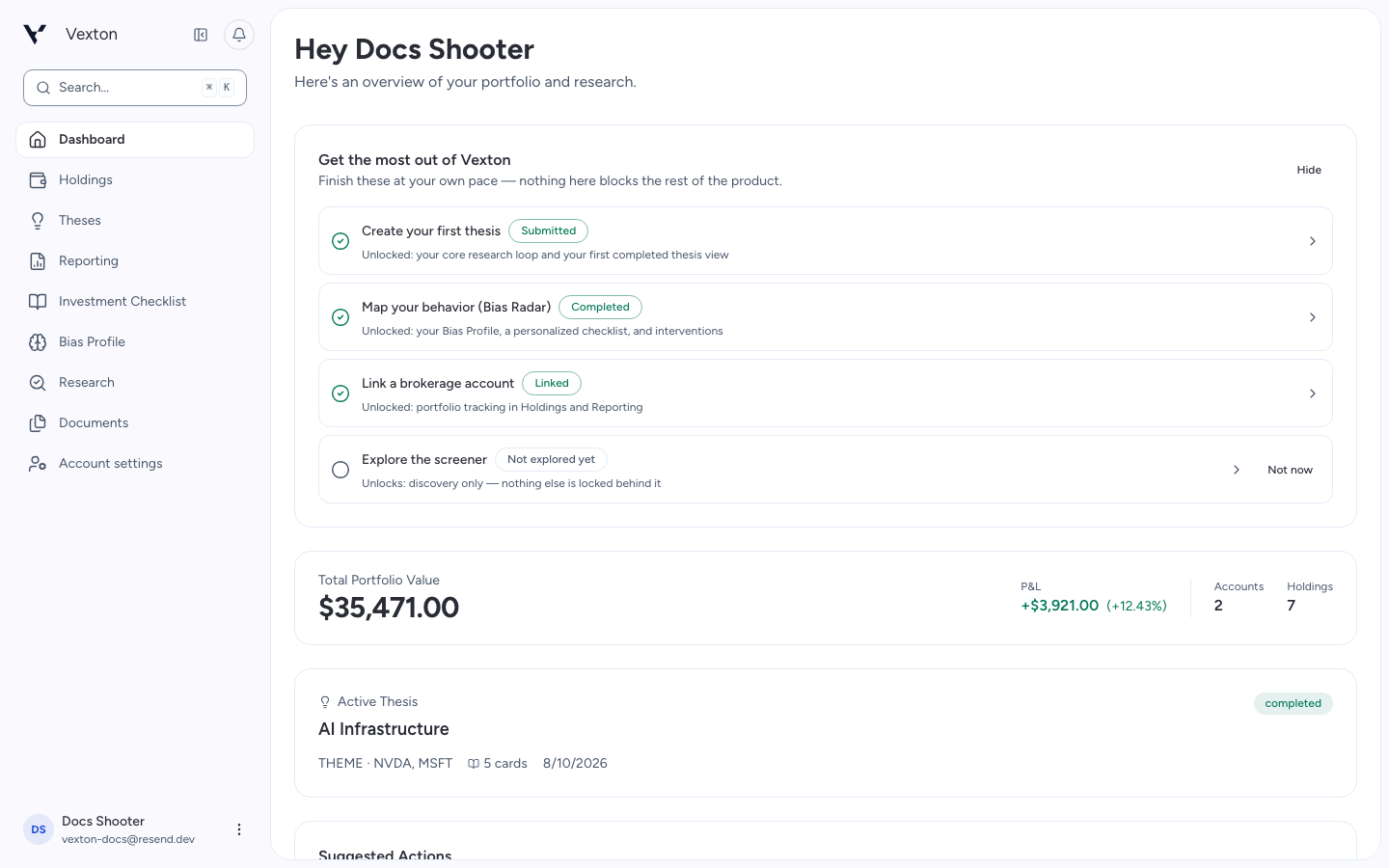
Open Bias Profile and select Map my behavior. If you have started already, select Continue Bias Radar. You can also launch it from the dashboard setup checklist. Returning through another launcher resumes the same assessment.
The assessment is optional and takes place after onboarding. You do not need a connected brokerage.
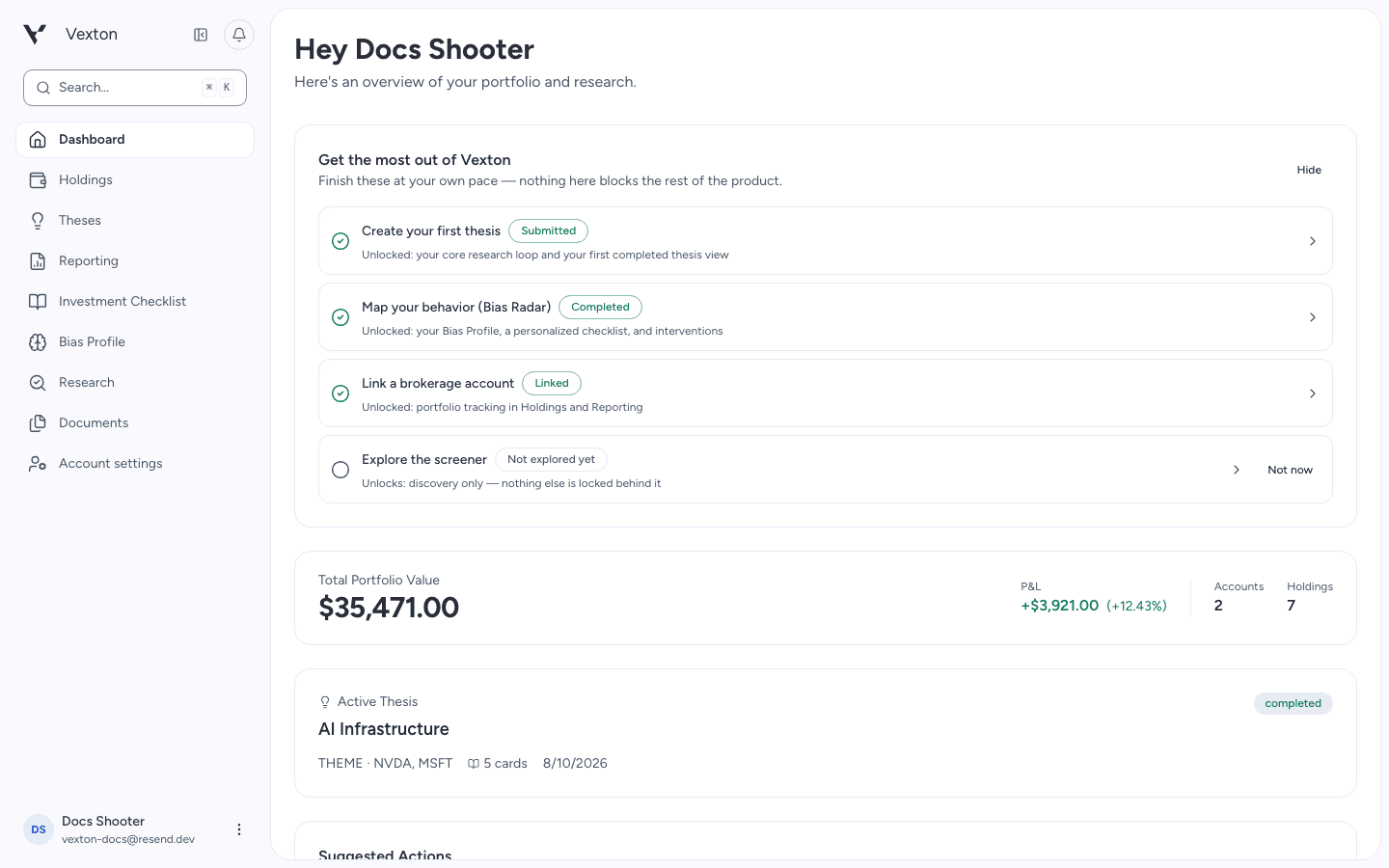
Use the dashboard’s Bias Radar action to start or resume. The wording reflects your assessment progress. View full size
2. Explain each decision
In “The Investor's Journey,” you manage a fictional $100,000 portfolio through changing market conditions.
Read the situation, choose an action, adjust the allocation when requested, and write your reasoning. Your explanation matters: the same action can have different motivations.
Select Confirm Decision after each response. Complete the decisions shown for your path; the assessment then analyzes your responses. You can close the assessment and return later.
Return through Bias Profile or the dashboard’s Bias Radar action to resume. If analysis is still running, use Resume scoring from Bias Profile. For a persistent error, contact support with the visible message.
3. Review the evidence
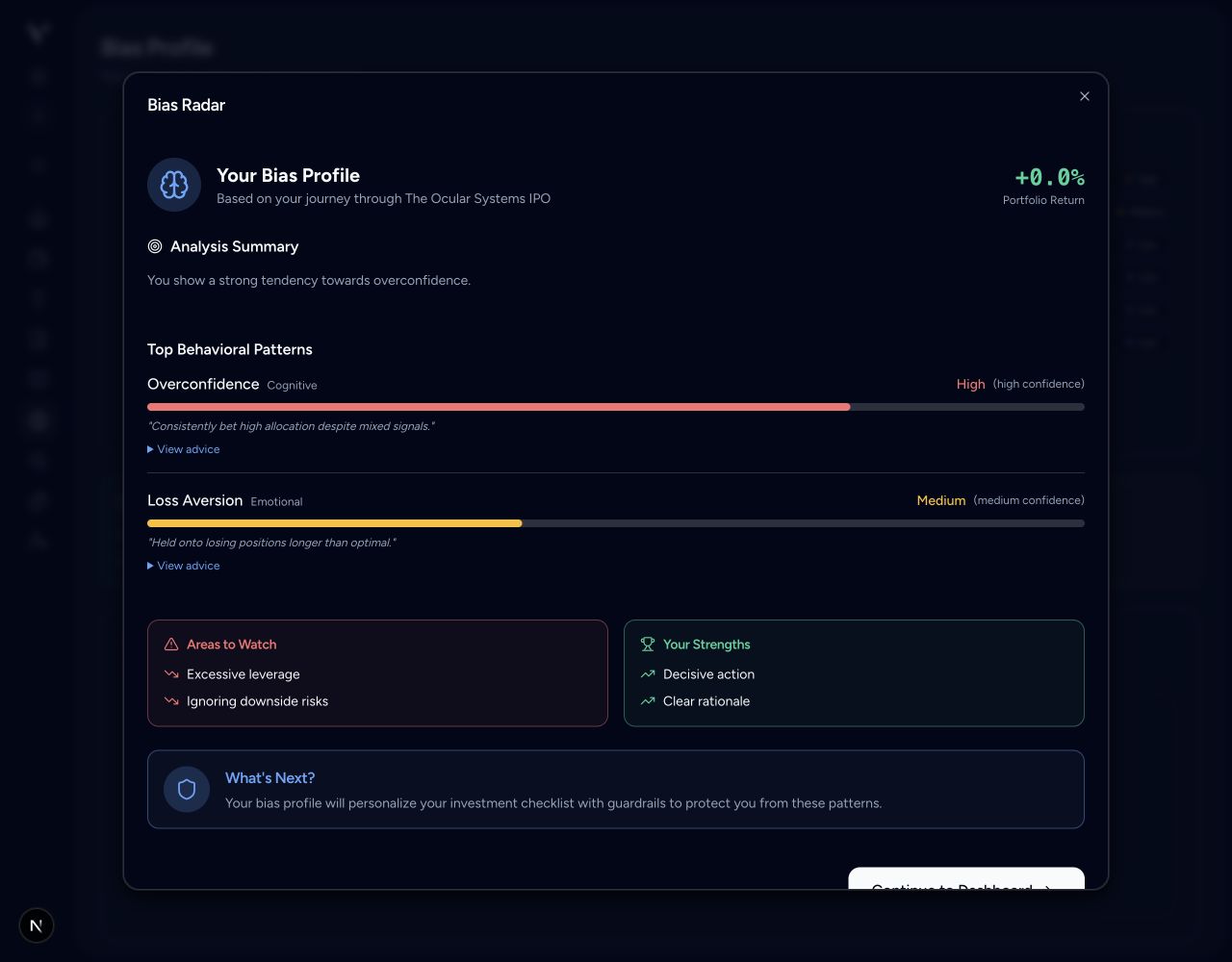
When analysis completes, review the results, then select Continue to Dashboard. Open Bias Profile to revisit your profile. Read the observations and confidence alongside each score. The same Low, Medium, and High severity bands apply here and in your profile. Ask whether the explanation matches your reasoning, rather than treating the score as a verdict.
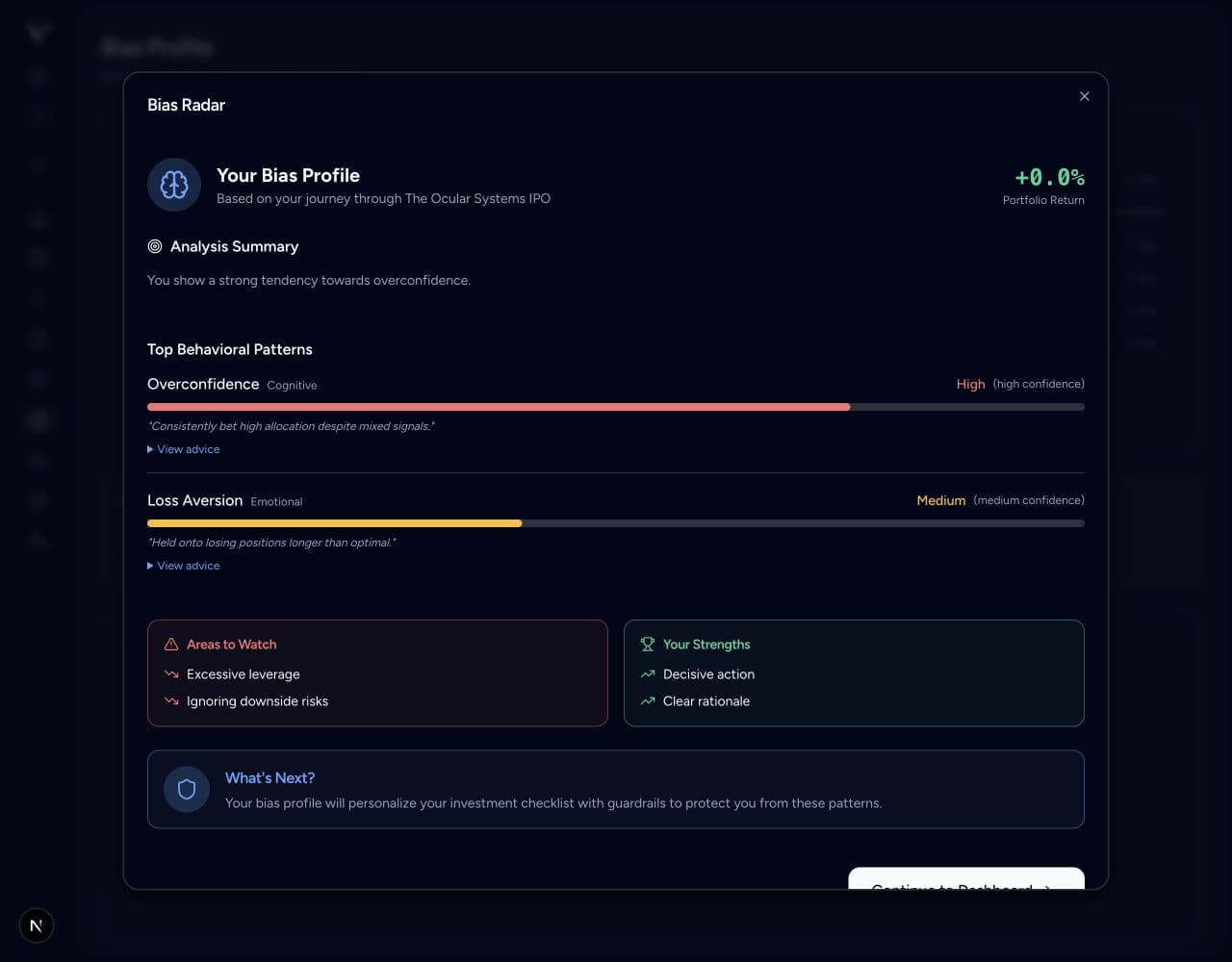
Example assessment result. Read the observations alongside each score. View full size
4. Read the panels
- Bias Radar: the six highest scores from eight biases most relevant to buying and selling decisions.
- Risk Summary: all 17 biases; select Show more, then scroll inside the list to see the rest.
- Score Trends: appears after enough saved observations exist.
- Intervention History: records available check-ins and whether a prompt was shown.
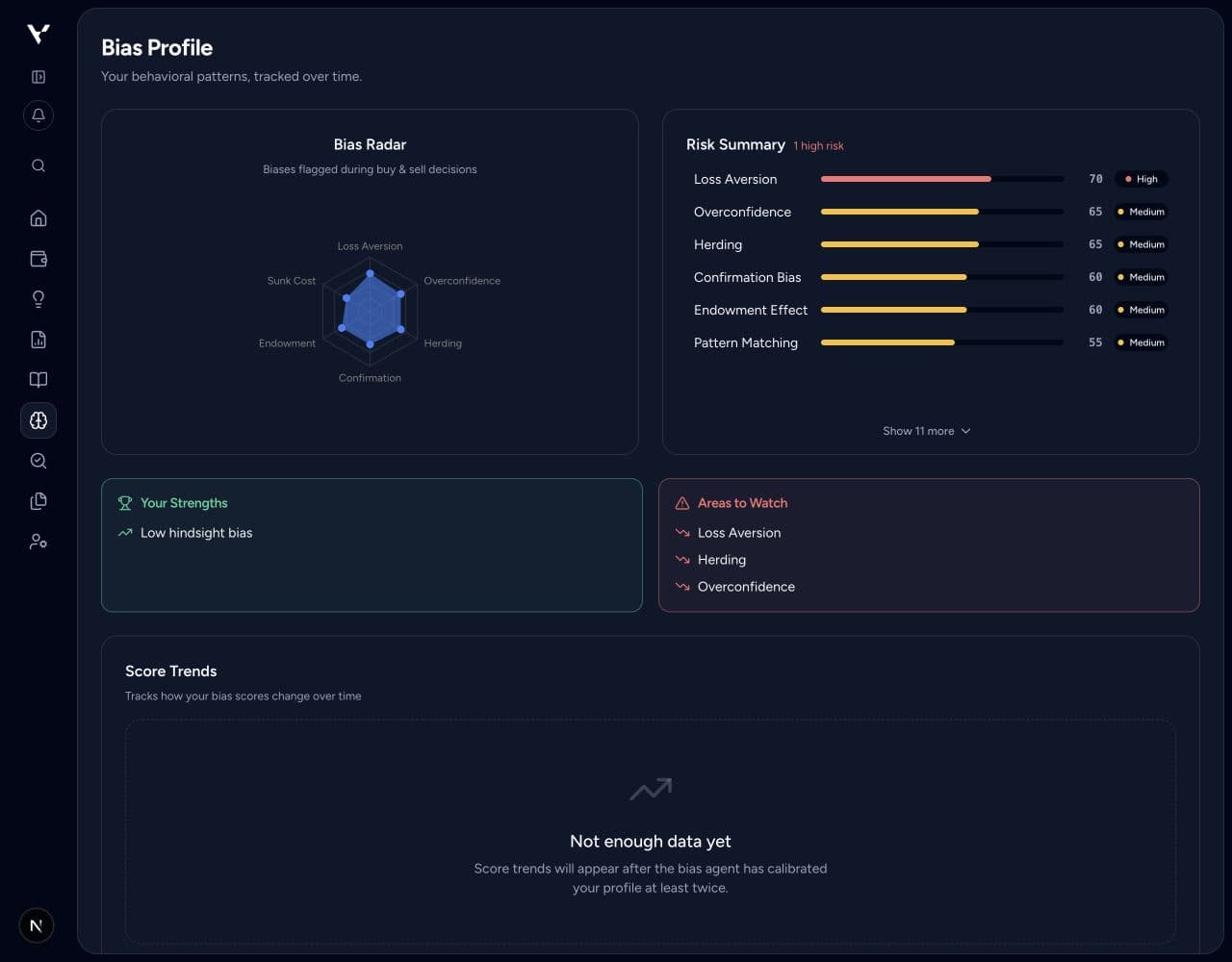
Start with the radar, then select Show more below the score list to inspect the remaining biases. View full size
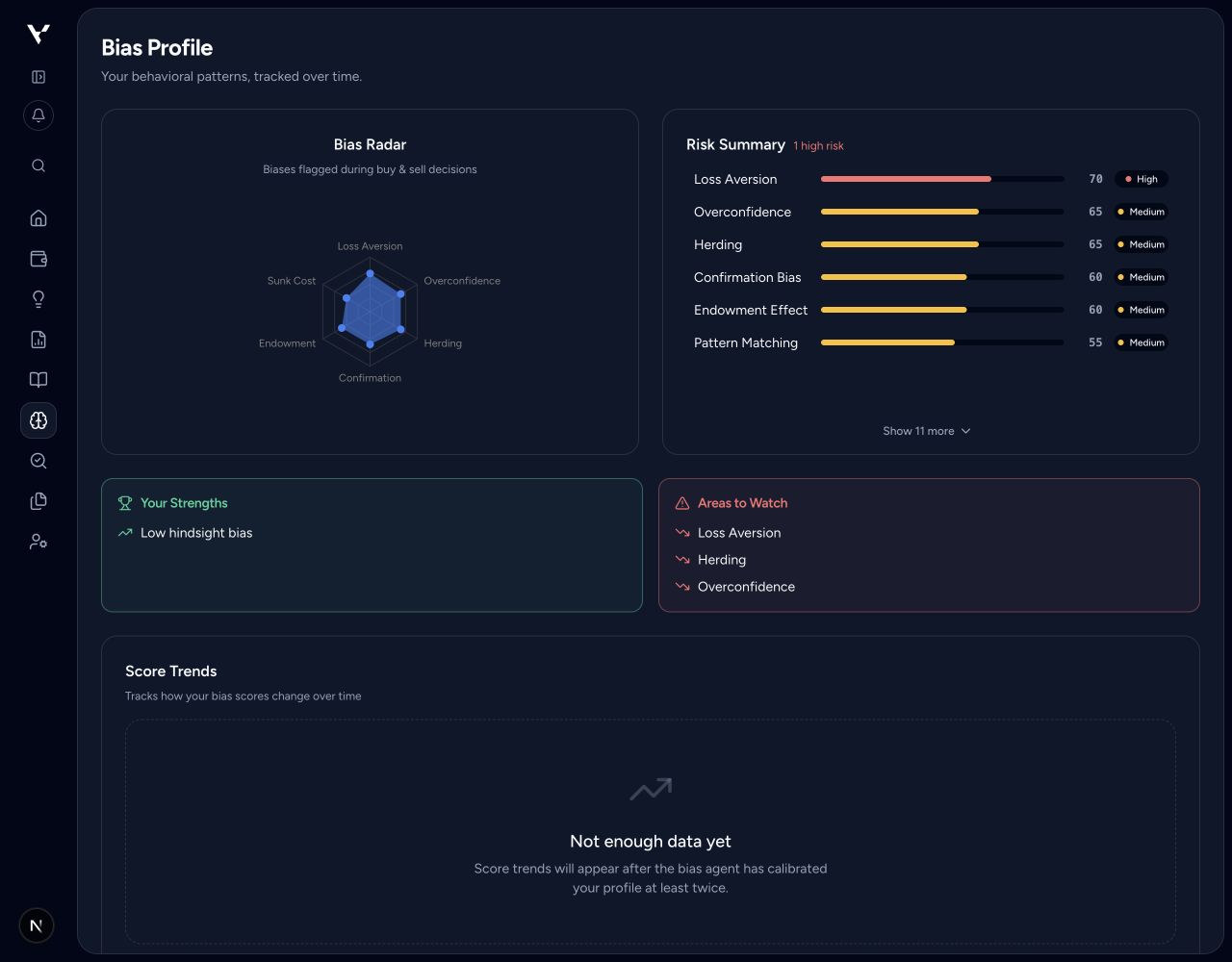
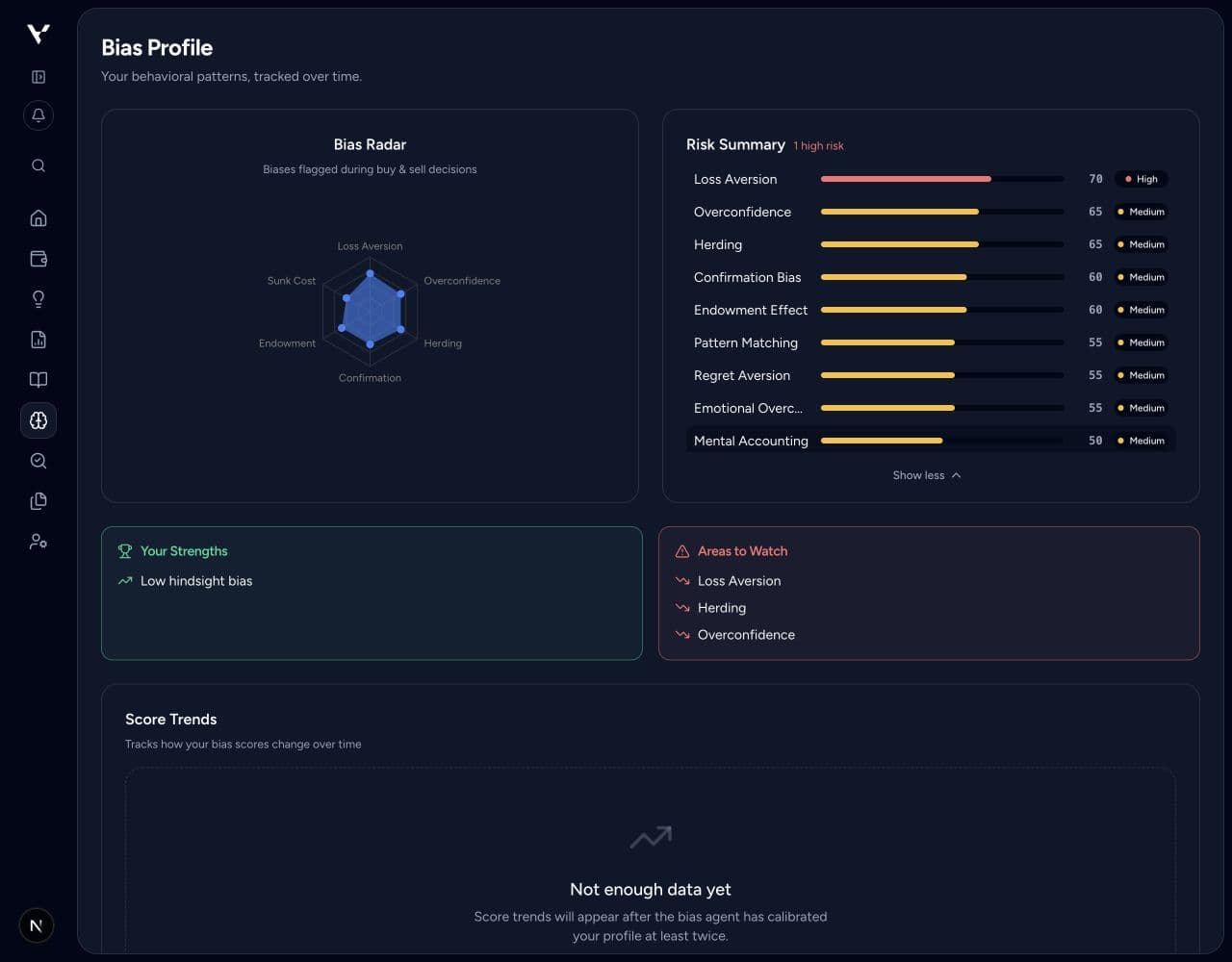
Read the full breakdown and select the observation relevant to your next decision. Example scores shown. View full size
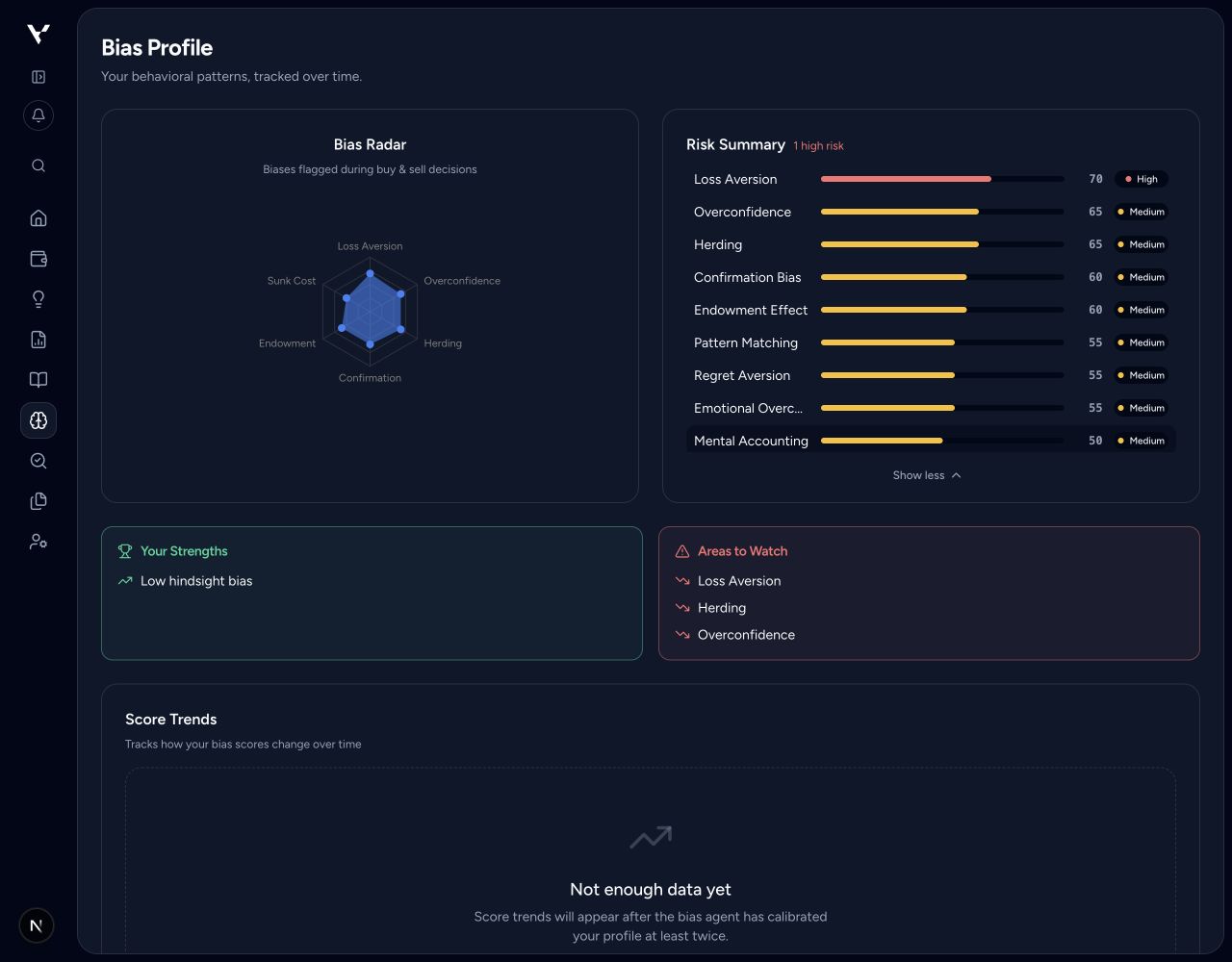
An empty trends panel is normal early on. A “Passed” check-in means no interruption was triggered; it does not validate an investment decision.
5. Apply one useful observation
Review the related Behavioral Guardrails. Choose a question that helps you test your next thesis, such as looking for evidence against your strongest assumption.