

Customize your research questions
Review your checklist and add one criterion that matters to your process.
1. Review the starting list
Open Investment Checklist. Vexton builds the initial list from your investor profile. Behavioral Guardrails use a completed Bias Radar assessment, rather than unfinished assessment results.
Start with the questions most relevant to how you evaluate a business.
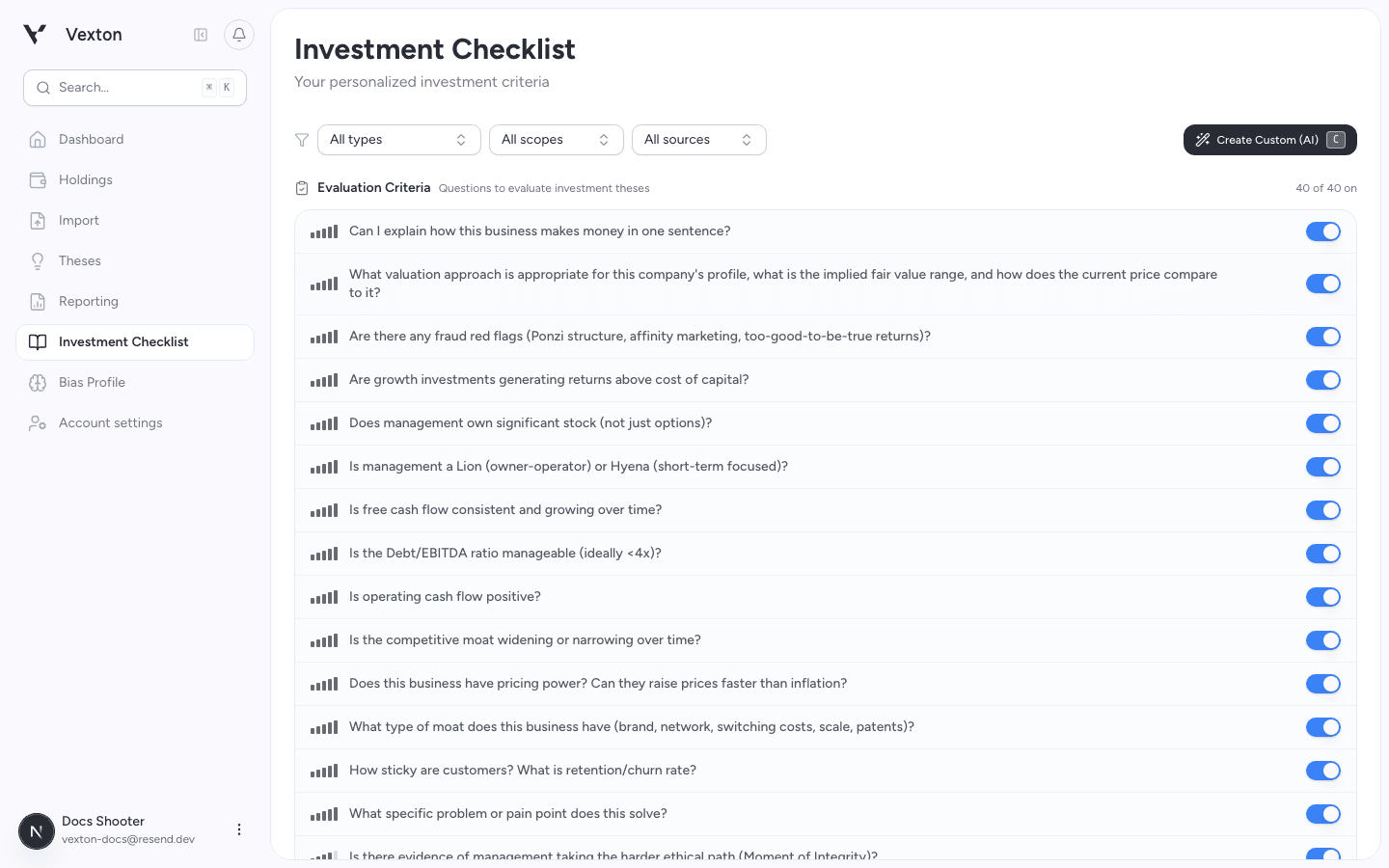
Start with the existing criteria. You do not need to create a new list from scratch. View full size
2. Enable the questions you need
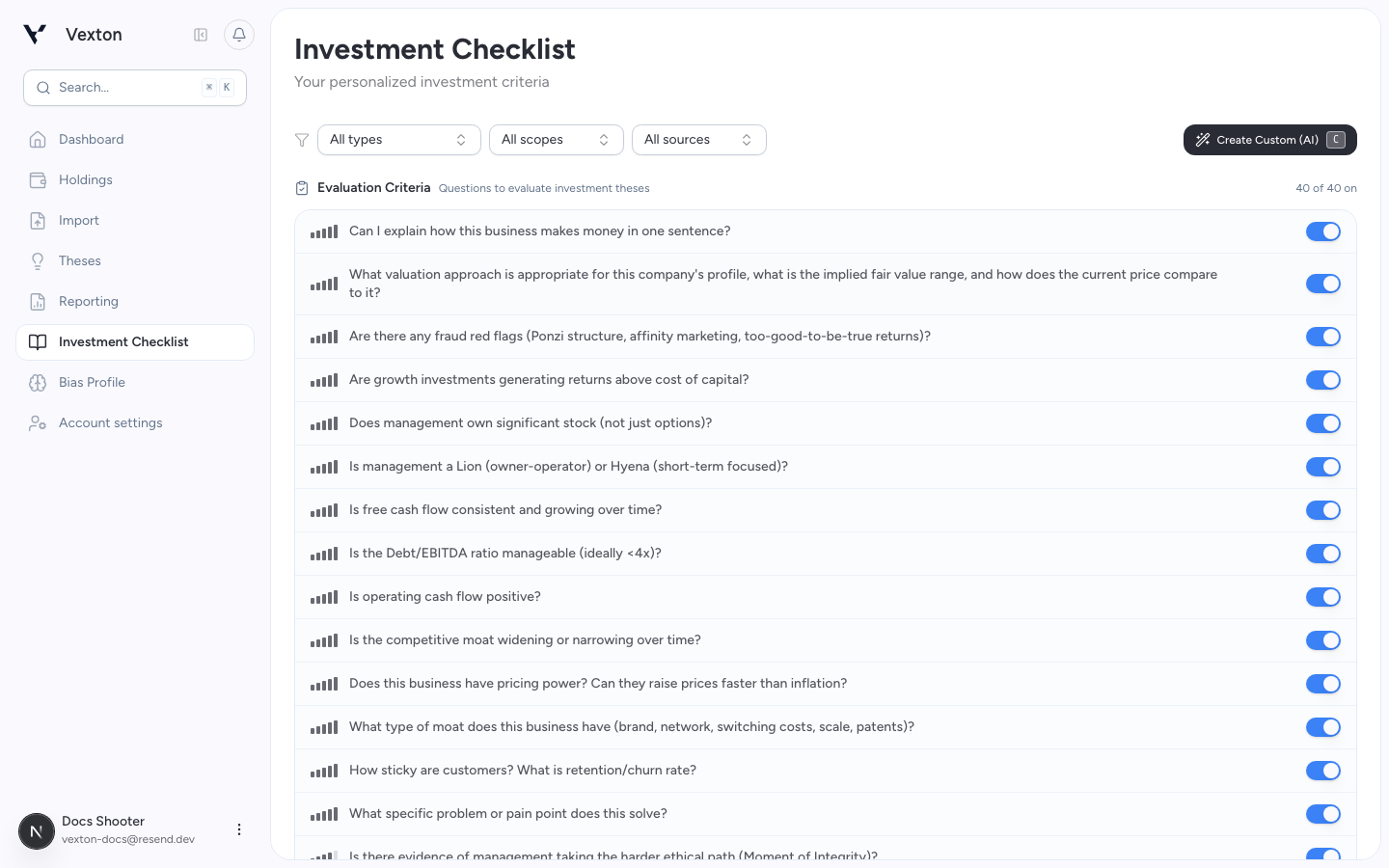
Use each item's toggle to include or exclude it from future research selection. Disabling an item does not delete it or rewrite a completed thesis.
Use the switch at the right of a row. On makes the item available for future research selection. View full size
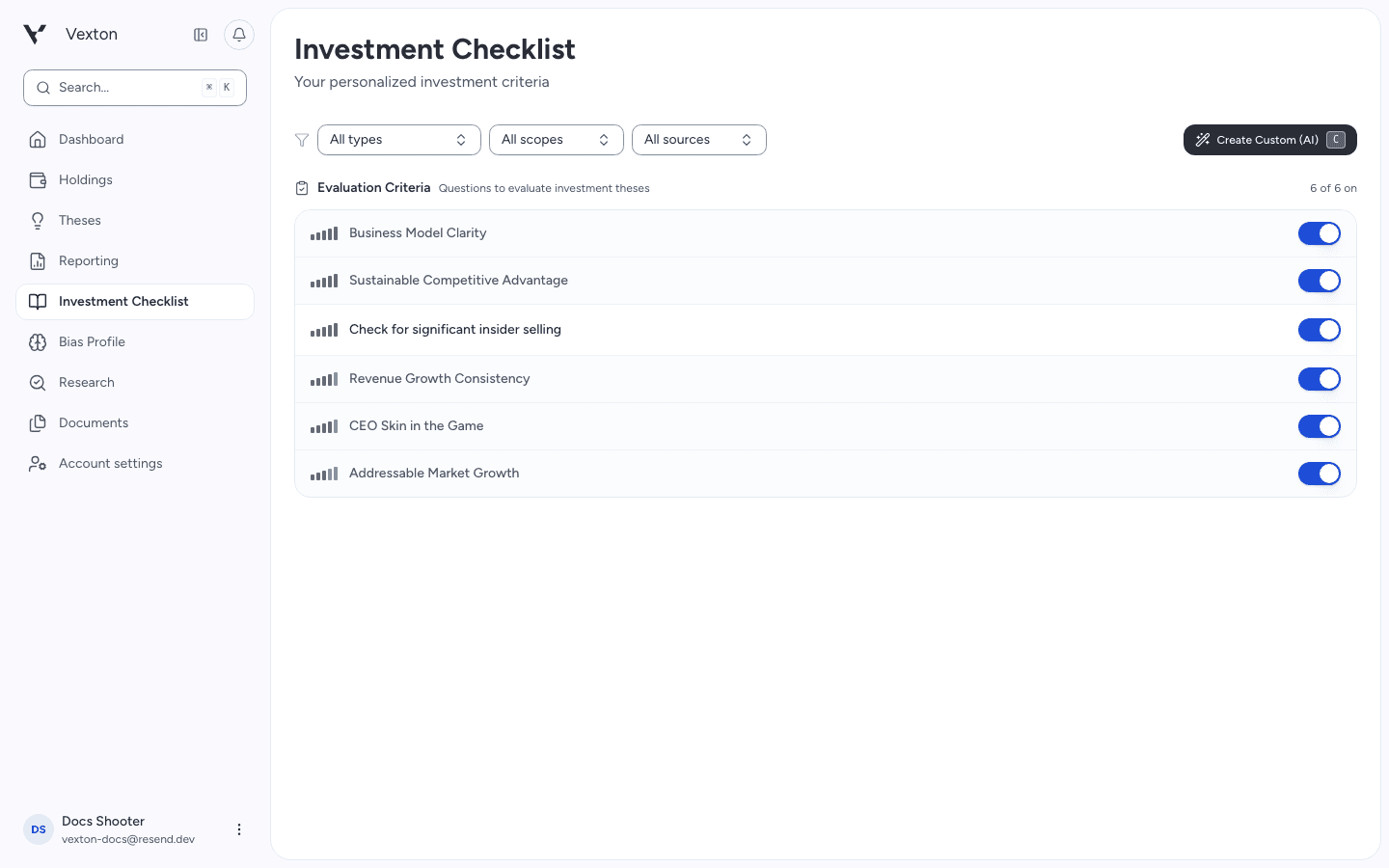
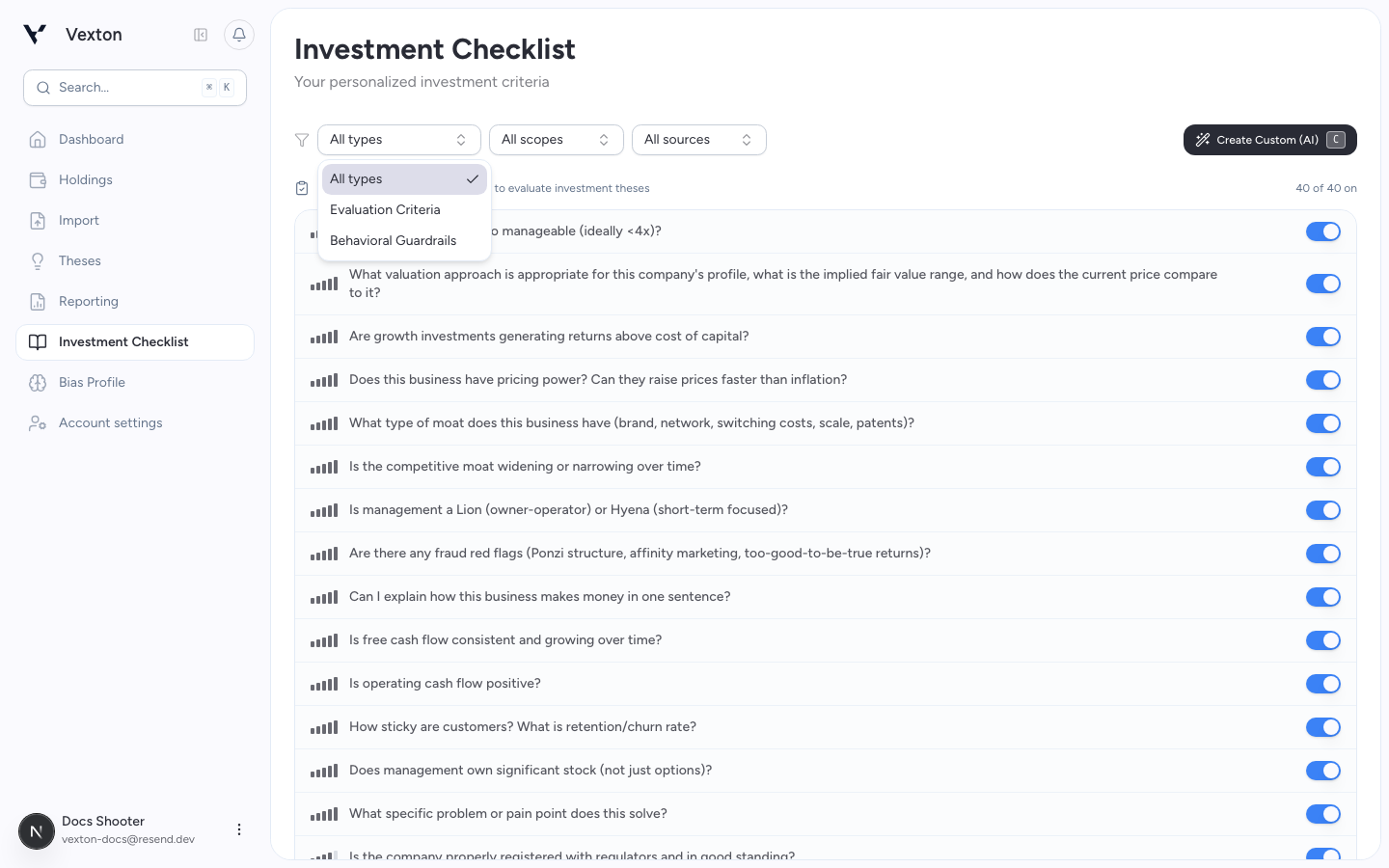
Use the available filters to focus on a type or source. Library items can be toggled; custom items can also be edited and deleted.
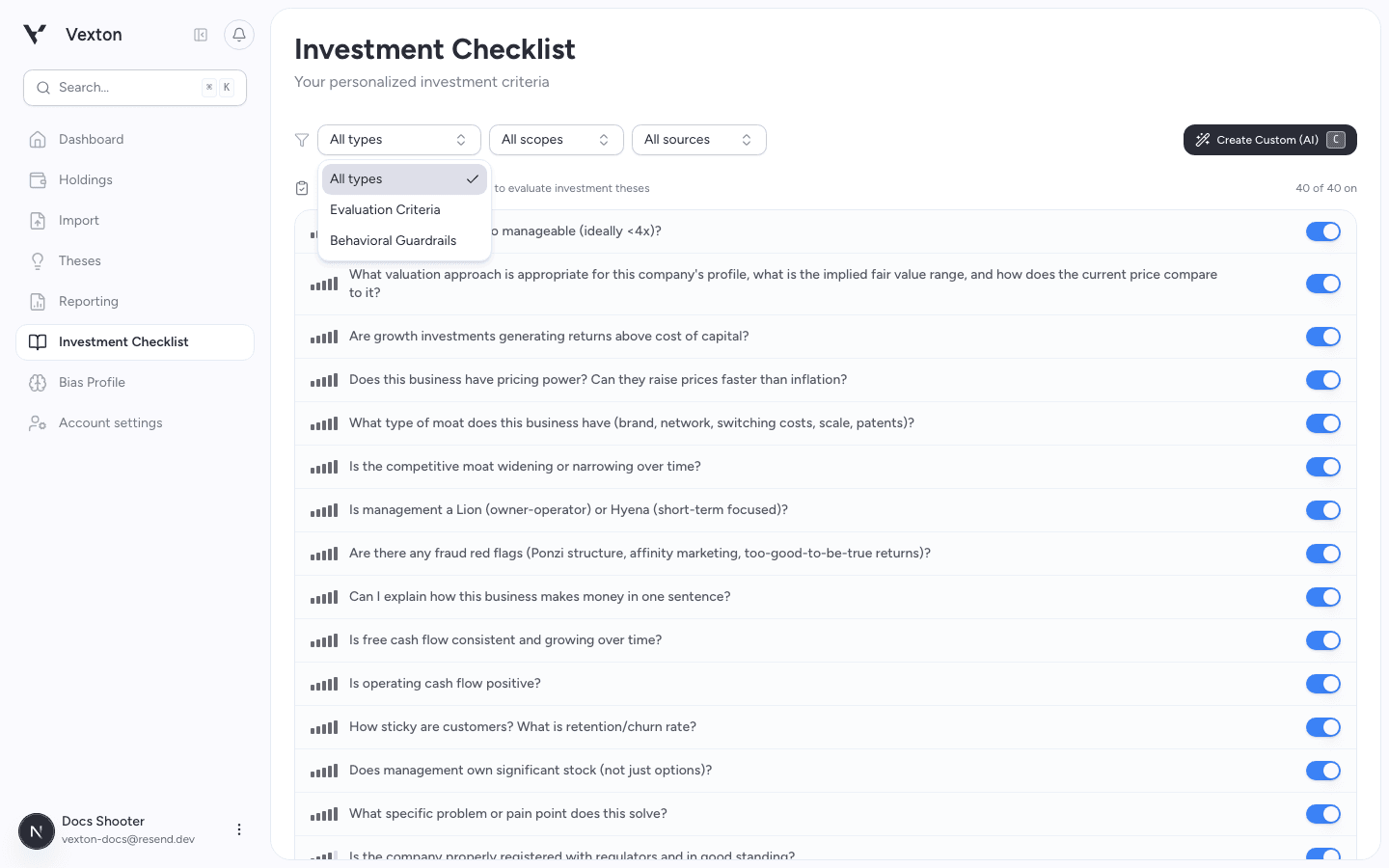
Open All types to switch between business questions and behavioral guardrails. All sources narrows the item origin. View full size
3. Add a custom question
Choose Create Custom (AI), or press C on the checklist page.
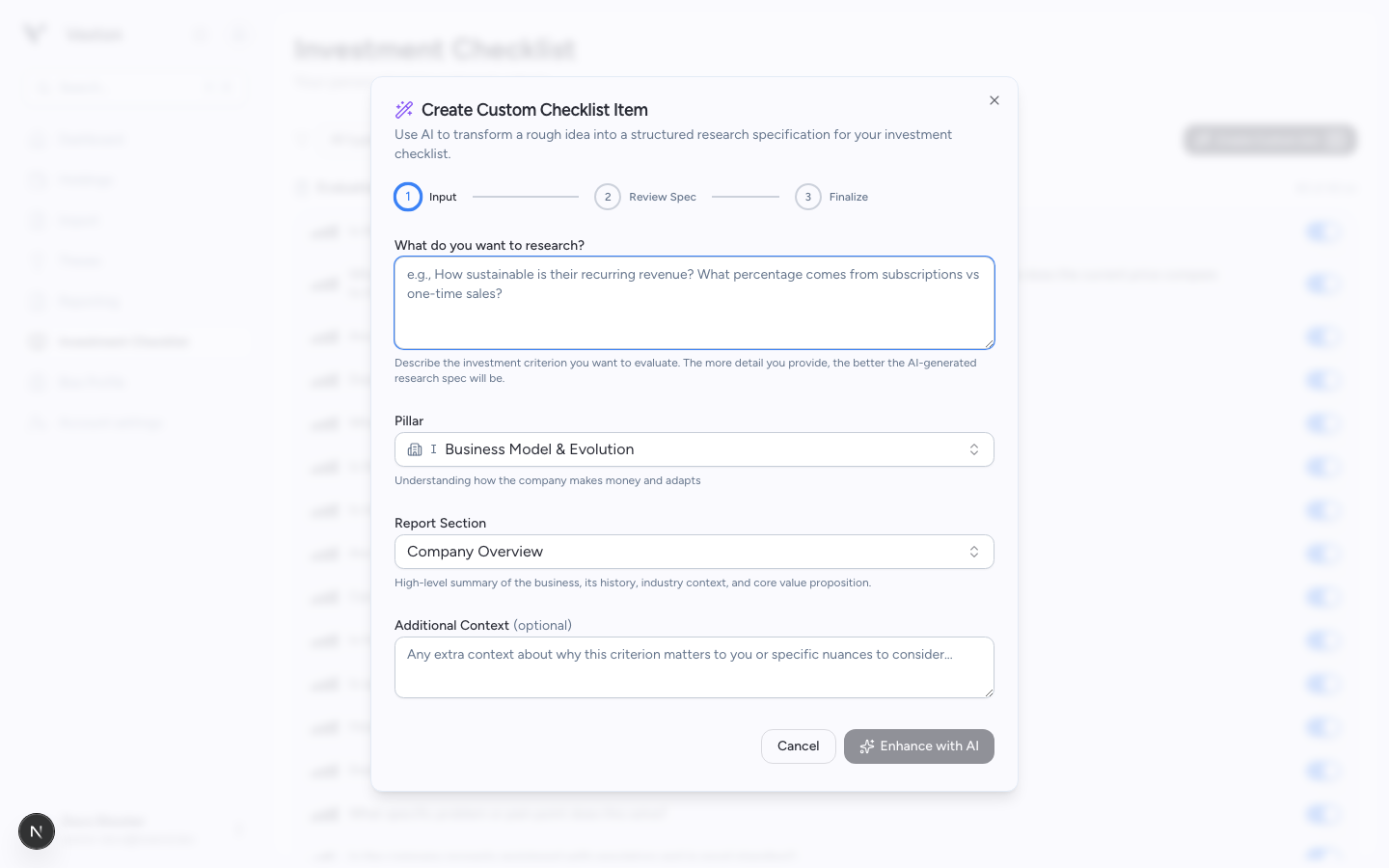
- Enter a criterion, choose a pillar and report section, and add context if useful.
- Select Enhance with AI.
- Review the proposed methodology and research aspects. Remove repetition and clarify what evidence would answer the question.
- Continue to the summary and select Create Item.
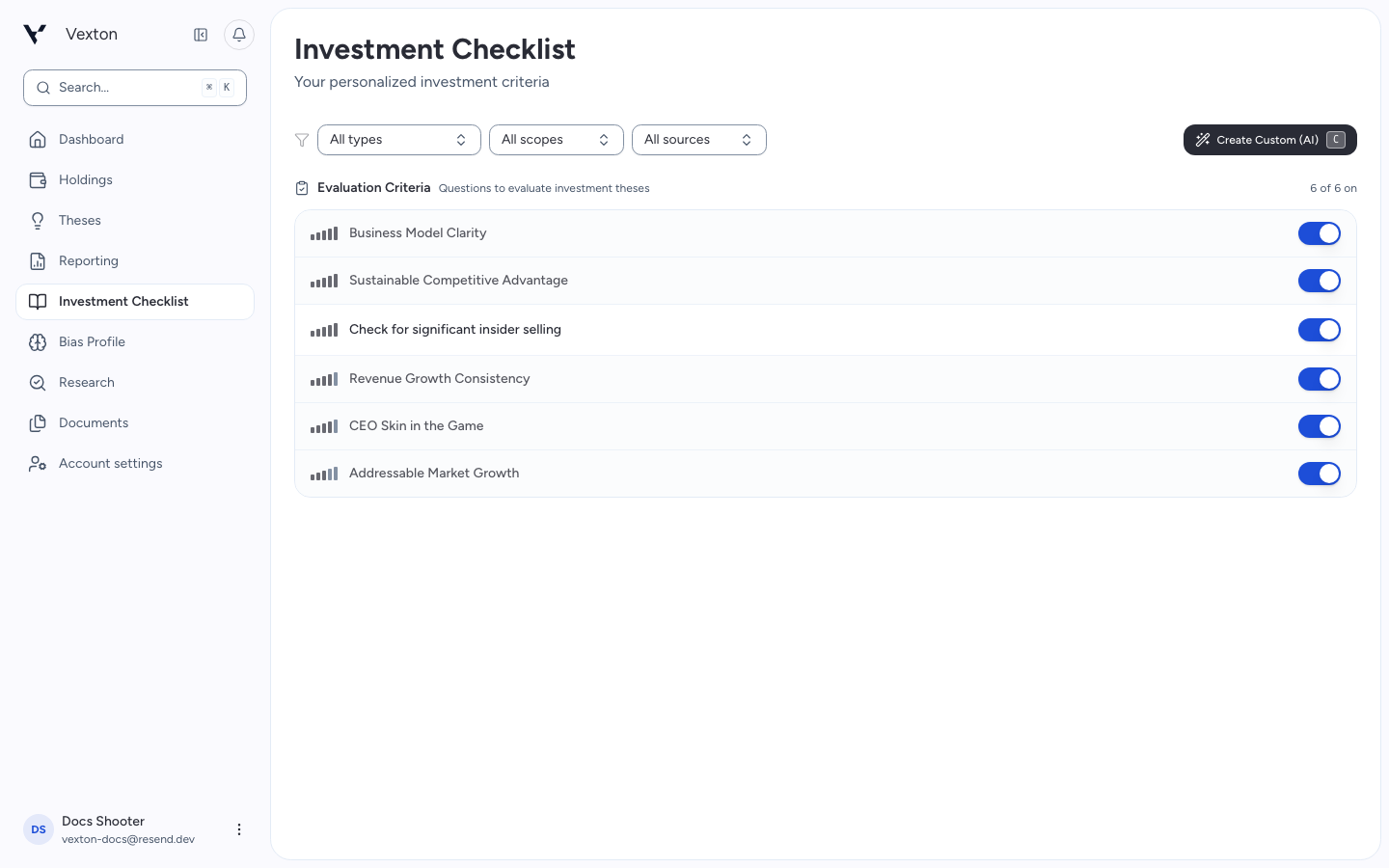
The new custom item appears in your checklist enabled. Find it in the list and check its switch; you can change it before the next thesis selects research questions.
Example: “How dependent is free cash flow on a small number of customers?”
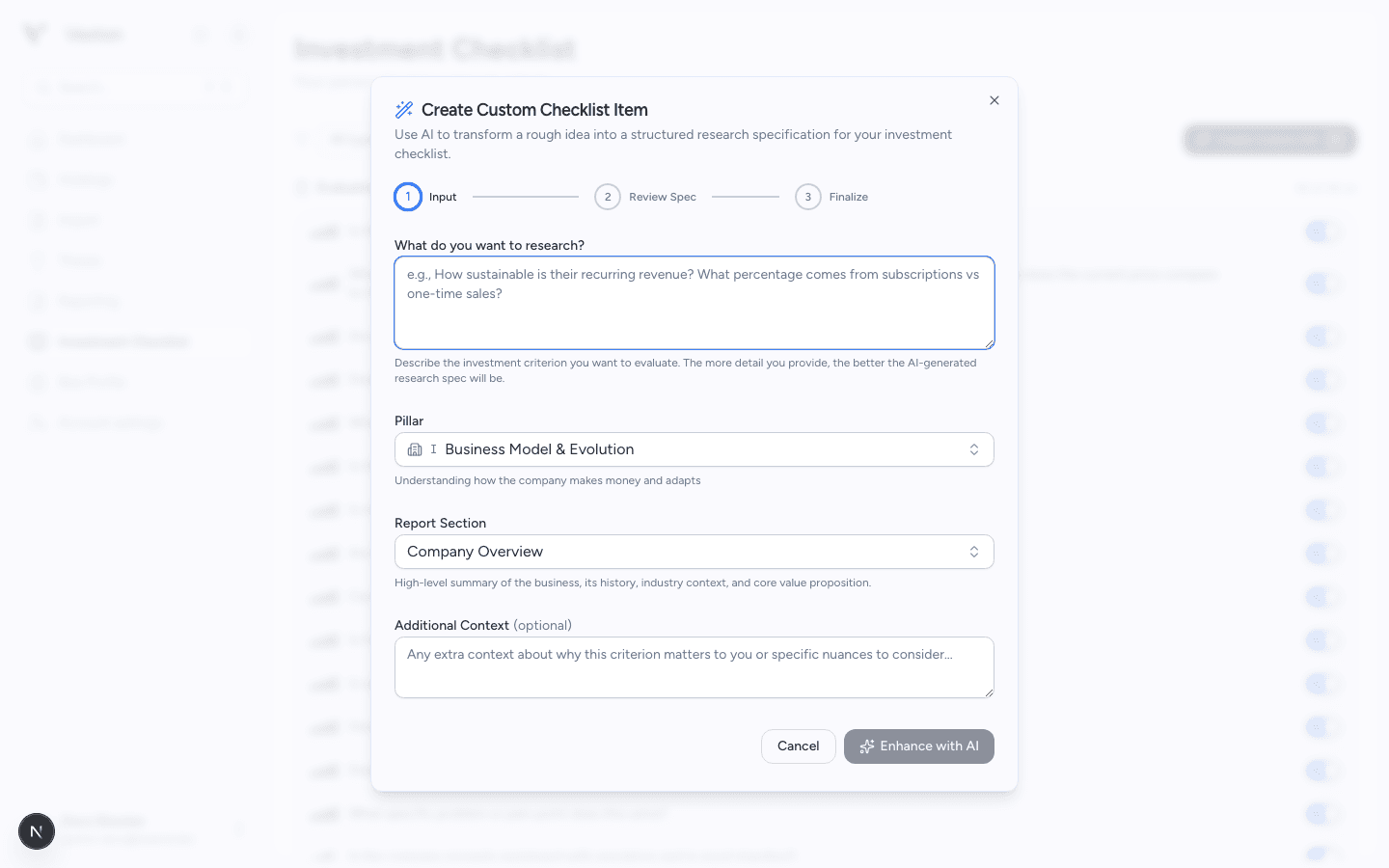
Write the question before asking AI to refine the research specification. View full size
4. Refine it after use
Use the pencil on a custom item to change its question, importance, refresh cadence, or research specification. Save the changes.
When you build a thesis, review which checklist items were selected for that asset. The checklist is a starting point, not a requirement to research every item.