

Build your first investment thesis
Choose an idea, review the questions, and read the evidence.
1. Choose the question
Open Theses → New thesis. Search for an asset, choose a portfolio holding, or use an available suggestion. One stock creates an individual thesis; a basket creates a theme thesis.
For a theme, add more than one asset to the selection or choose a suggested theme. Review every selected ticker; use its × to remove an unwanted selection.
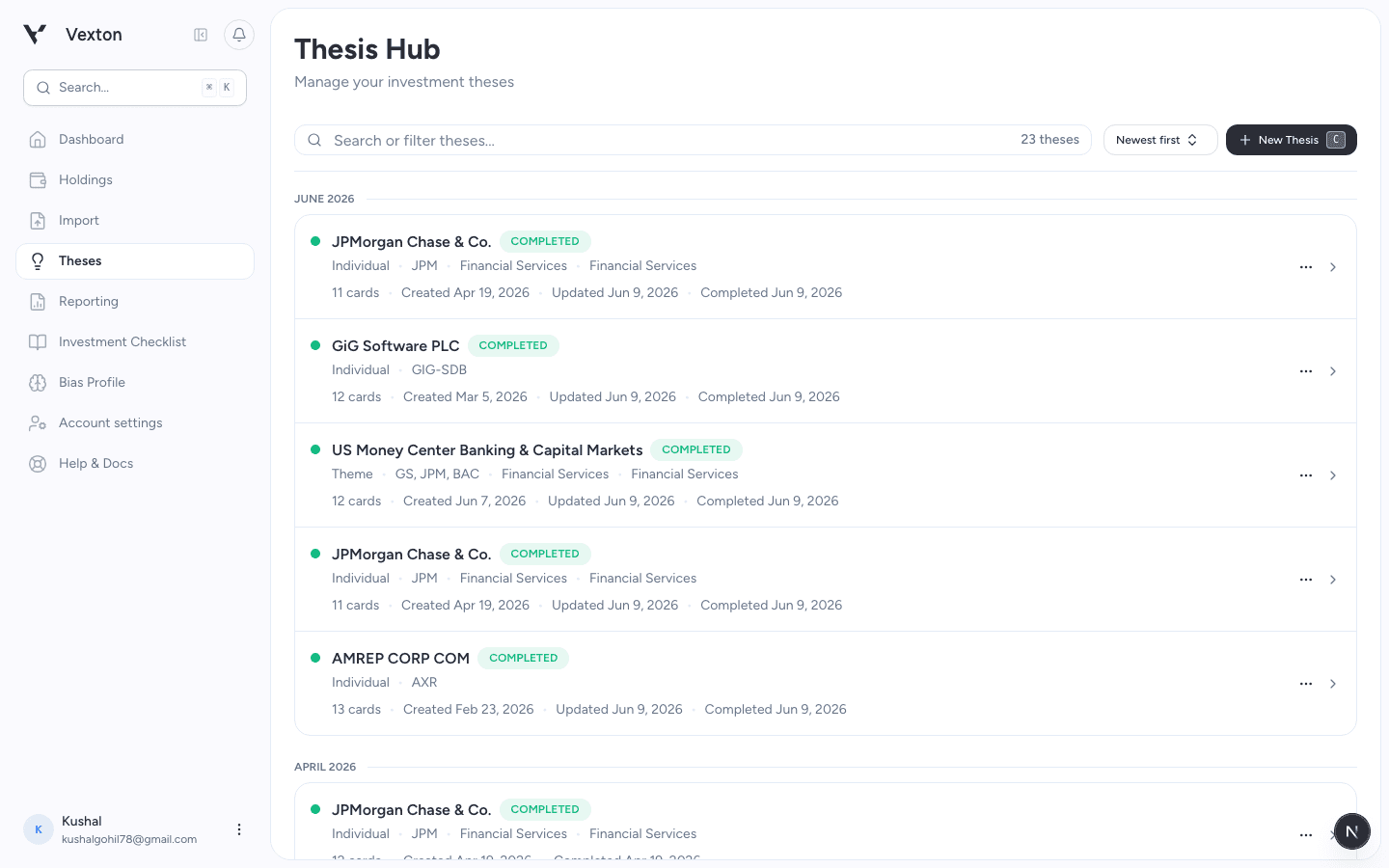
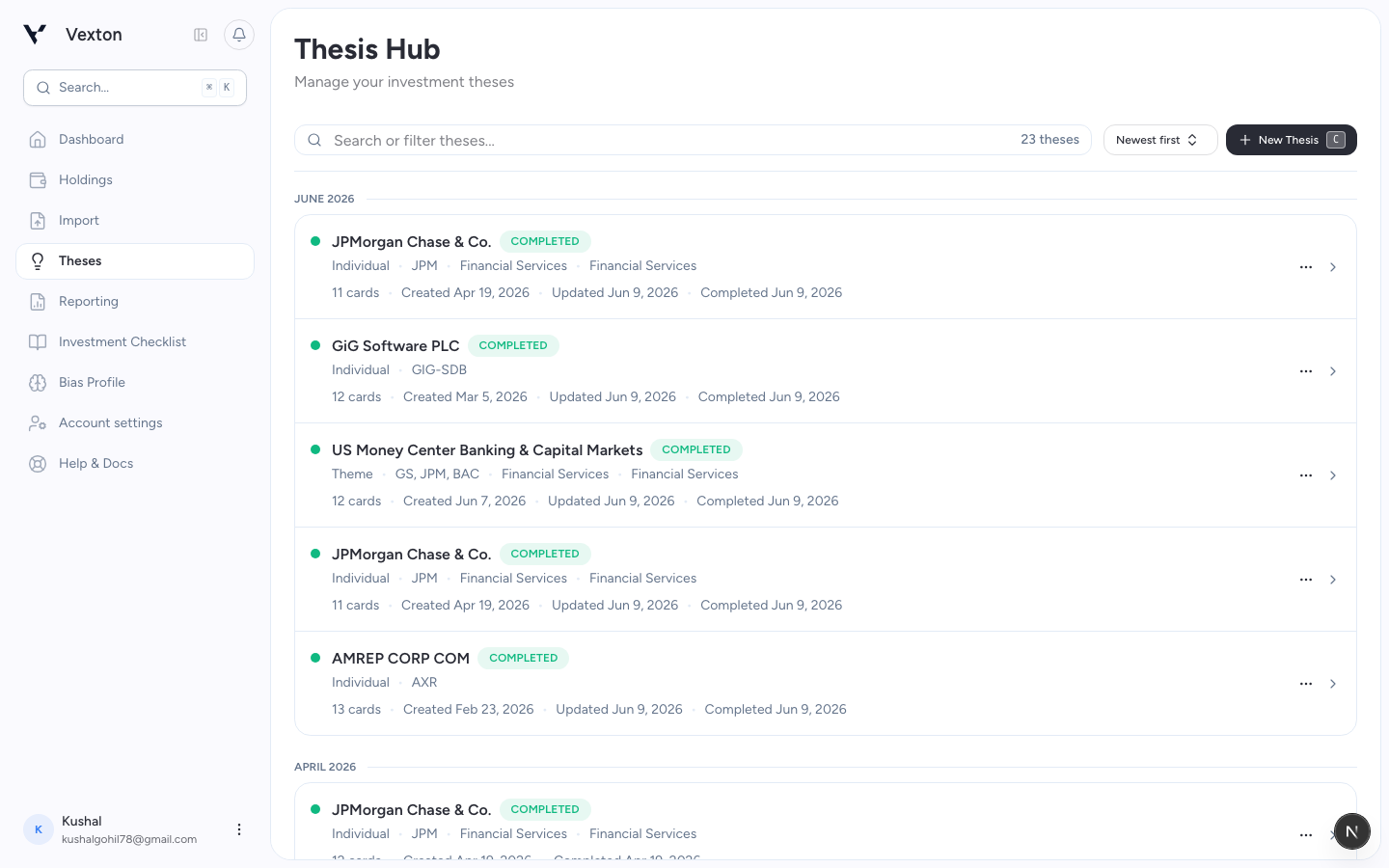
Open Theses, then select New Thesis. Use a saved row when you want to resume existing work. View full size
Write why you are researching it. For example: “Does recurring revenue offset the risk from customer concentration?” You do not need connected holdings to search for a company.
Select Generate Thesis to move to checklist review. If a decision check-in appears, complete the prompt before continuing.
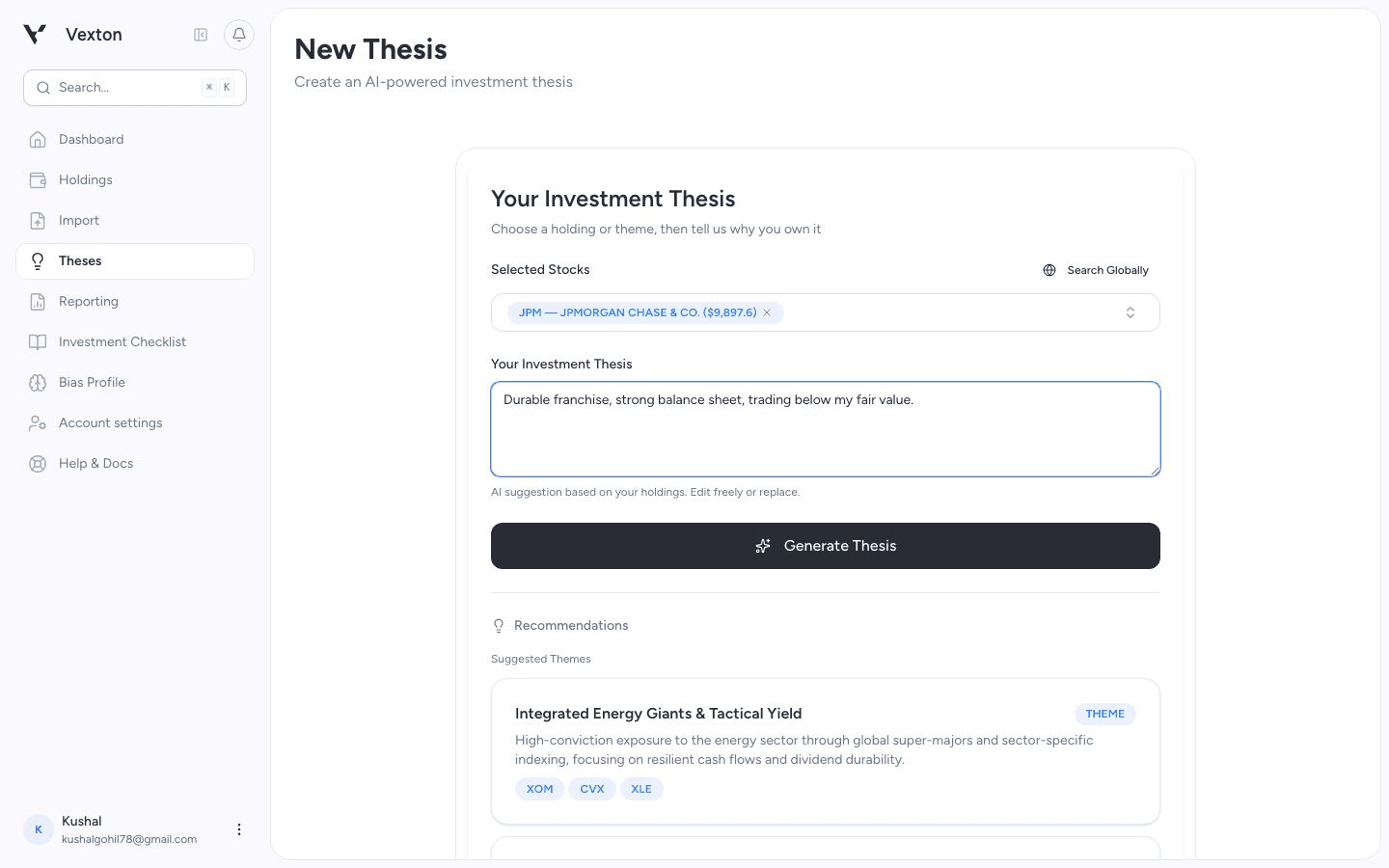
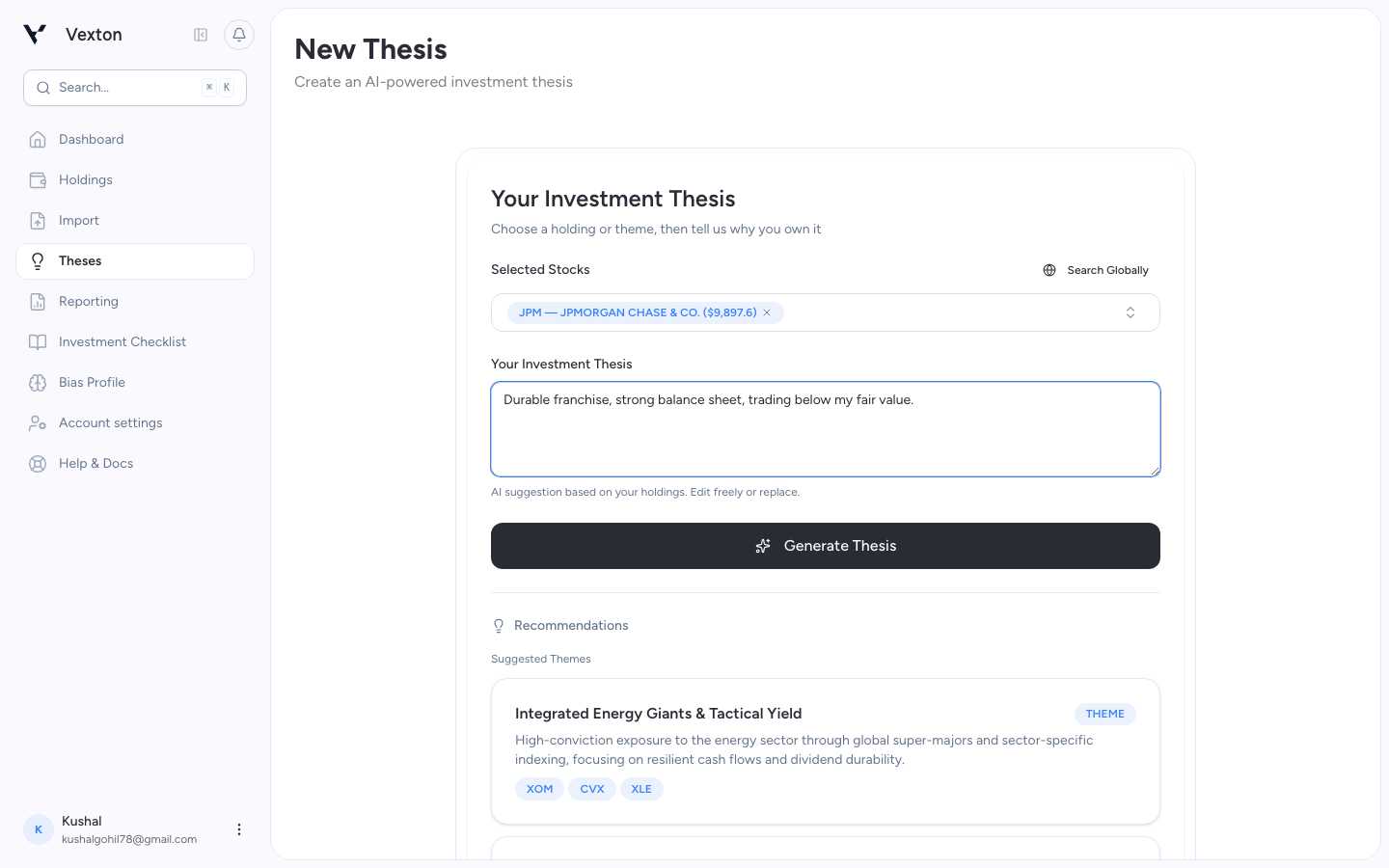
Choose the asset and write your reasoning, then select Generate Thesis. That button prepares the checklist; Start research on the next screen dispatches the research. View full size
2. Review the checklist
In checklist review, use the question checkboxes to include or exclude items. Read why each was selected and keep at least one. Use Back to revise the idea before starting.
To include your own material, open the source-linking section where offered and select an existing source. If the list is empty, upload your document first, then return to the thesis setup.
Choose Start research. The creation form closes and opens the thesis itself.
3. Let research finish
The thesis page shows the generation status and research pages being prepared. You can leave and reopen the same thesis; reopening does not create a second research request.
If generation fails, use the retry action when it becomes available, or change the research items. If the page is still verifying a failure, wait for it to finish before retrying.
4. Read for the decision
Start with the overview, then inspect:
- The strongest case against your idea.
- The sources behind the assumptions that matter most.
- Missing evidence and valuation sensitivity.
In the page-based workspace, select research pages from the side navigation. Some theses use separate Cards and Activity tabs. Finance appears only for eligible individual theses with sufficient financial data.
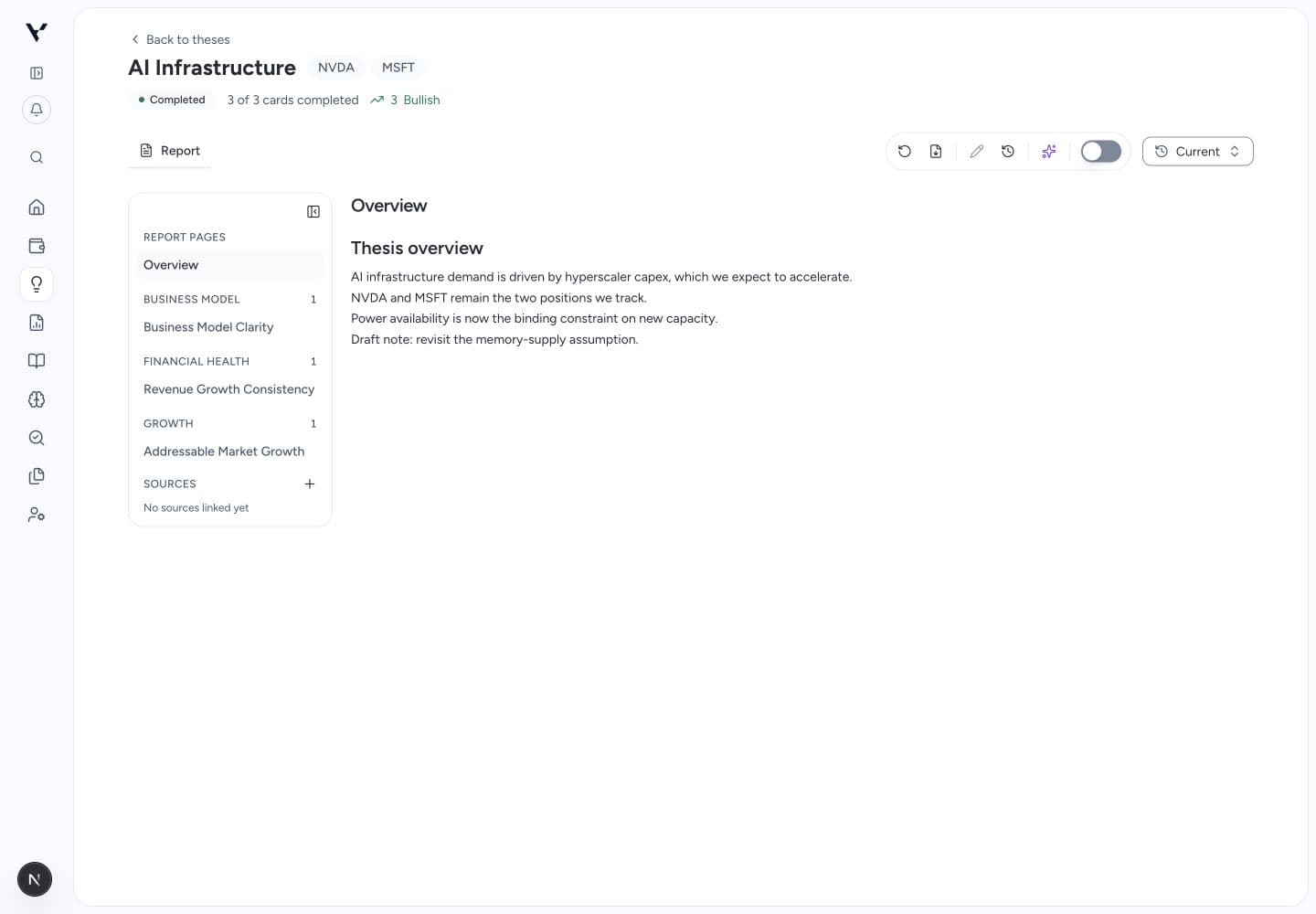
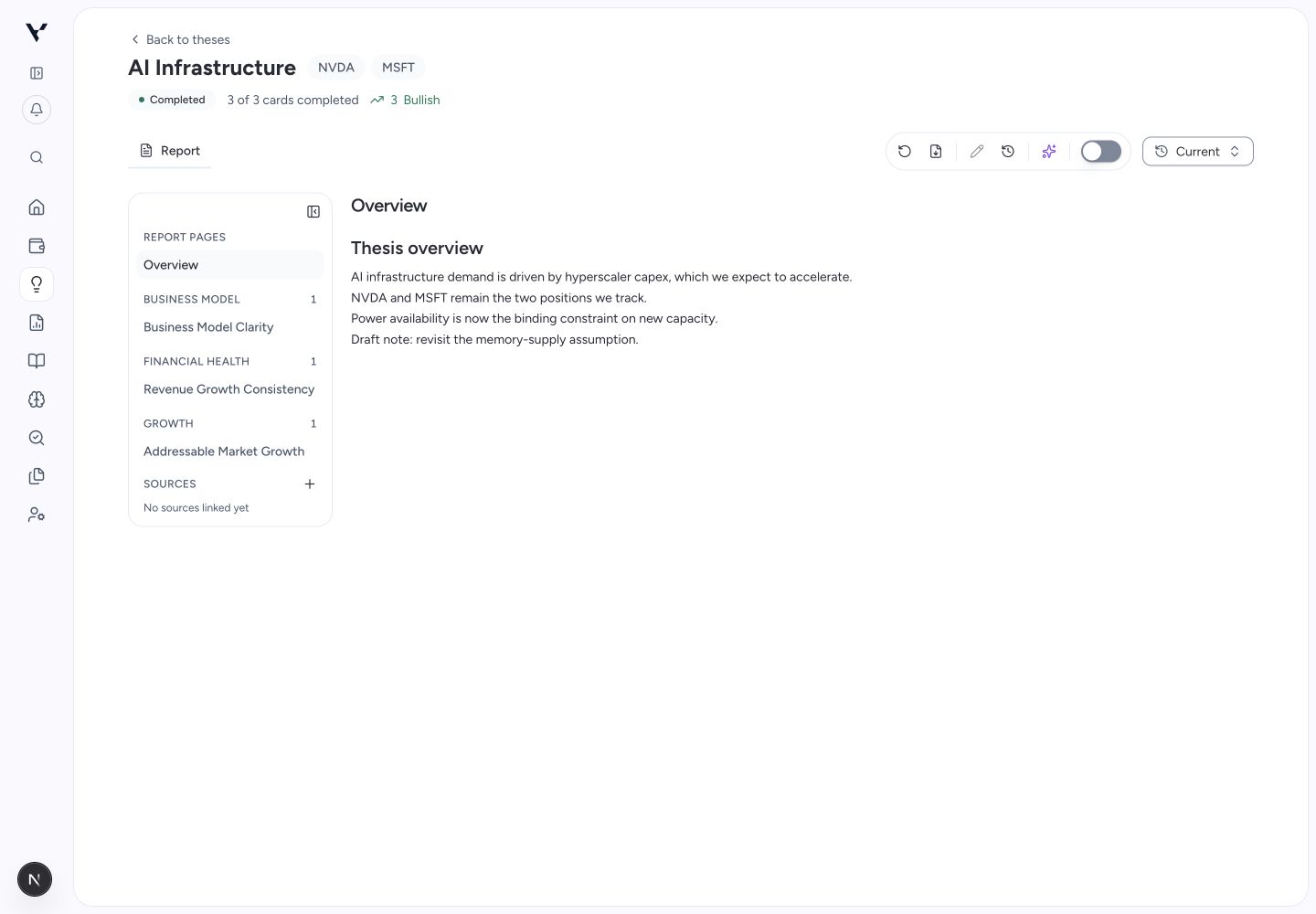
Read the overview before exploring the supporting research pages. The toolbar contains export, history, chat, and tracking controls. View full size
5. Keep the reasoning useful
Review or edit the thesis, then turn on tracking if you want to follow it over time.
New thesis generation uses your monthly creation allowance. See billing and credits for how follow-up research and manual refreshes differ.